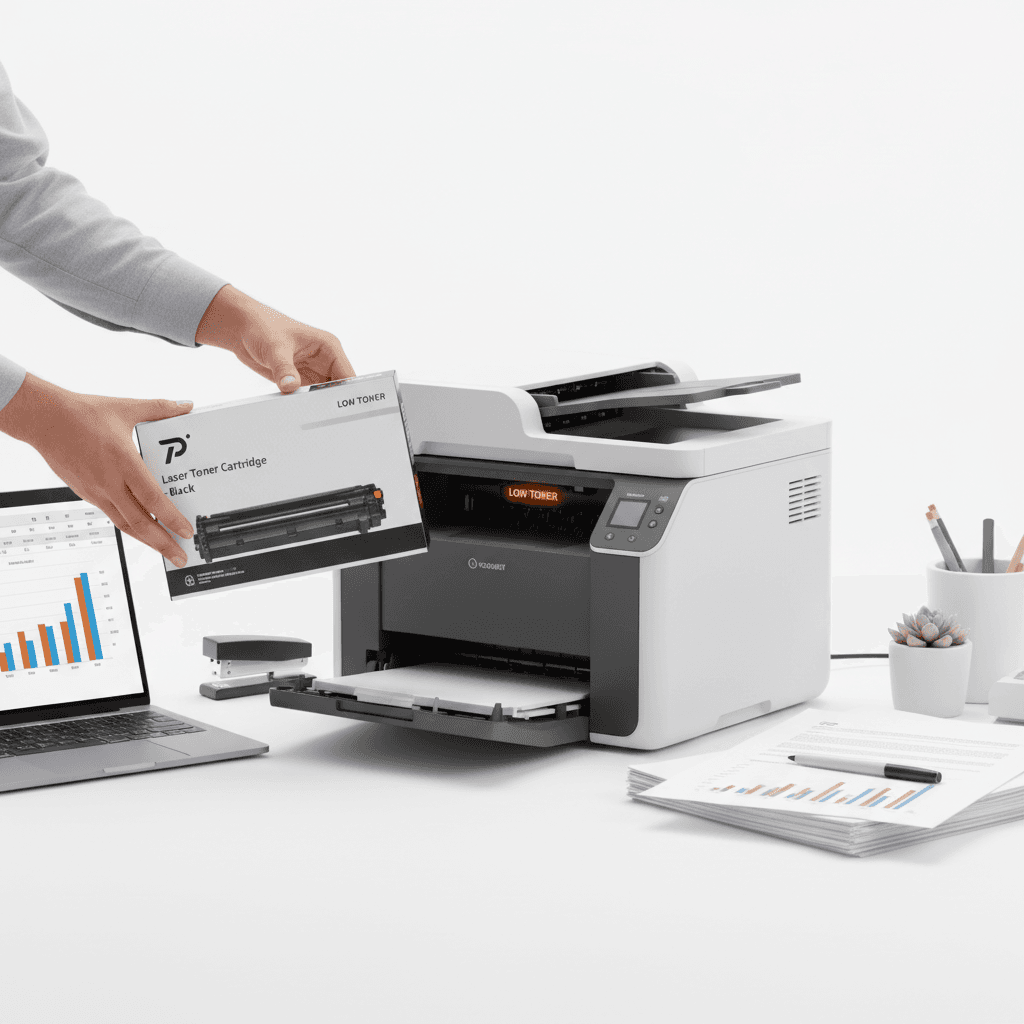
What to Do When Your Printer Shows Low Toner in Pakistan (2026)
Introduction
When a printer displays a "Low Toner" message, it often causes immediate concern for office productivity. In the Pakistani business environment of 2026, understanding how to manage these alerts effectively can save costs and prevent unnecessary downtime. This guide outlines the professional steps to take when your device signals that supplies are running low.
Main Discussion
- Redistribute the Toner Powder: When the alert first appears, remove the cartridge and gently rock it from side to side. This redistributes the remaining toner powder inside the hopper, which can often extend the cartridge life by several dozen pages.
- Adjust Print Density and Quality: Access the printer properties on your computer and switch the print mode to 'Draft' or 'Economy.' Reducing the DPI (dots per inch) for internal documents significantly lowers toner consumption without compromising legibility.
- Monitor Actual Print Quality: Modern printer sensors are often conservative. Continue printing until you notice visible fading or streaking on the page, as the 'Low Toner' warning usually triggers when 10-15% of the supply remains.
- Verify Regional Compatibility: Ensure that any replacement cartridges ordered are compatible with the specific regional hardware versions sold in the Pakistani market to avoid firmware rejection issues.
Why It Matters
For businesses operating in major hubs like Karachi, Lahore, and Islamabad, maintaining a seamless workflow is essential. Efficiently managing toner alerts prevents the premature disposal of expensive consumables and ensures that procurement cycles are aligned with actual usage. In the 2026 economy, optimizing office resources is a key factor in operational sustainability.
Contact
Contact us: +92 332 2805280