Weekly Printer Care: Boost Office Efficiency & Toner Life in Pakistan
Introduction
In the fast-paced business environment of Pakistan, a reliable office printer is indispensable. From invoices to reports, uninterrupted printing is crucial for daily operations. Neglecting your printer can lead to frustrating downtime, costly repairs, and inefficient use of your valuable toner. Implementing a simple weekly maintenance routine can significantly extend your printer's lifespan and ensure consistent, high-quality output.
Main Discussion
Here are key weekly tasks to keep your office printer in top condition:
-
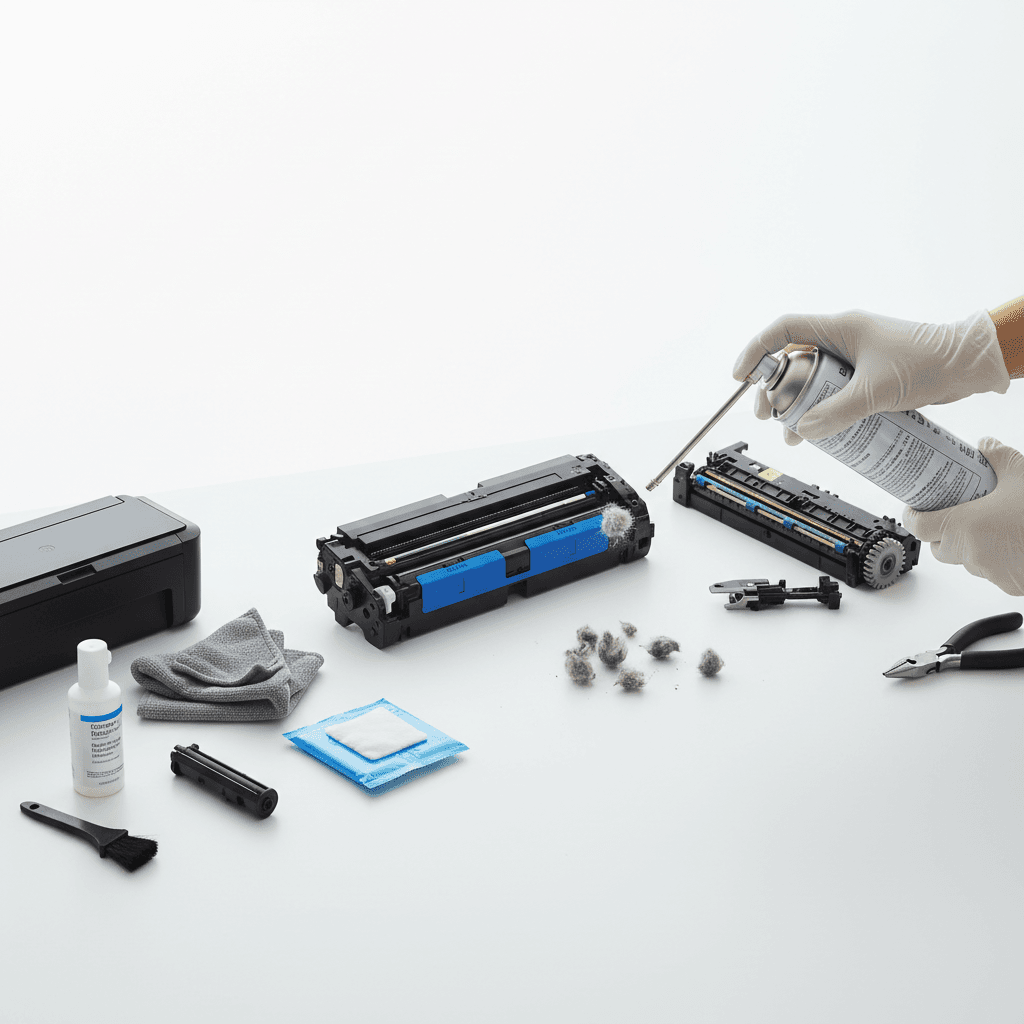
Clean the Exterior and Interior: Dust and debris are common culprits for printer malfunctions, especially in varying Pakistani climates. Weekly, gently wipe down the printer's exterior with a soft, lint-free cloth. For the interior, after unplugging the printer, carefully open access panels and remove any visible paper dust or toner residue with a dry cloth or a specialized printer vacuum. This prevents internal blockages and ensures smooth operation.
-
Check Toner Levels and Print Quality: Proactively monitor your toner levels. Many modern printers provide status updates on their display or via software. If levels are low, consider having a replacement toner cartridge ready. Additionally, print a test page to check for any streaks, faded areas, or inconsistencies. These can indicate low toner, a dirty print head (for multi-function devices), or a developing issue with the toner cartridge itself, allowing you to address it before it impacts critical documents.
-
Inspect Paper Trays and Rollers: Paper jams are a leading cause of printer frustration. Weekly, remove all paper from the trays and inspect for any foreign objects like staples, paper clips, or torn paper fragments. While the trays are empty, gently wipe down the paper feed rollers with a lint-free cloth dampened with distilled water or an approved printer cleaning solution. Clean rollers ensure proper paper pickup and reduce the likelihood of jams.
-
Run Printer Self-Tests and Calibration: Most printers offer built-in self-test pages or diagnostic tools. Running these weekly can help identify potential issues early. For multi-function devices, perform a nozzle check and head cleaning if print quality issues are observed. These routine checks ensure all components are functioning optimally and that print alignment and color output (if applicable) remain accurate.
-
Verify Firmware and Driver Updates: Manufacturers frequently release firmware updates to improve printer performance, security, and compatibility. Periodically check your printer manufacturer's website for the latest firmware and driver updates. Ensuring your printer's software is current can prevent glitches, enhance functionality, and maintain seamless integration with your office's operating systems.
Why It Matters
For businesses across Pakistan, a well-maintained printer translates directly into operational efficiency and cost savings. Regular maintenance prevents unexpected breakdowns, which can halt critical business processes and lead to expensive emergency repairs or premature printer replacement. By extending the life of your printer and maximizing the efficiency of your toner cartridges, your business saves money and ensures that essential documents are always ready when you need them. Investing a few minutes each week in printer care safeguards your investment and supports uninterrupted productivity.
Contact
Contact us: +92 332 2805280