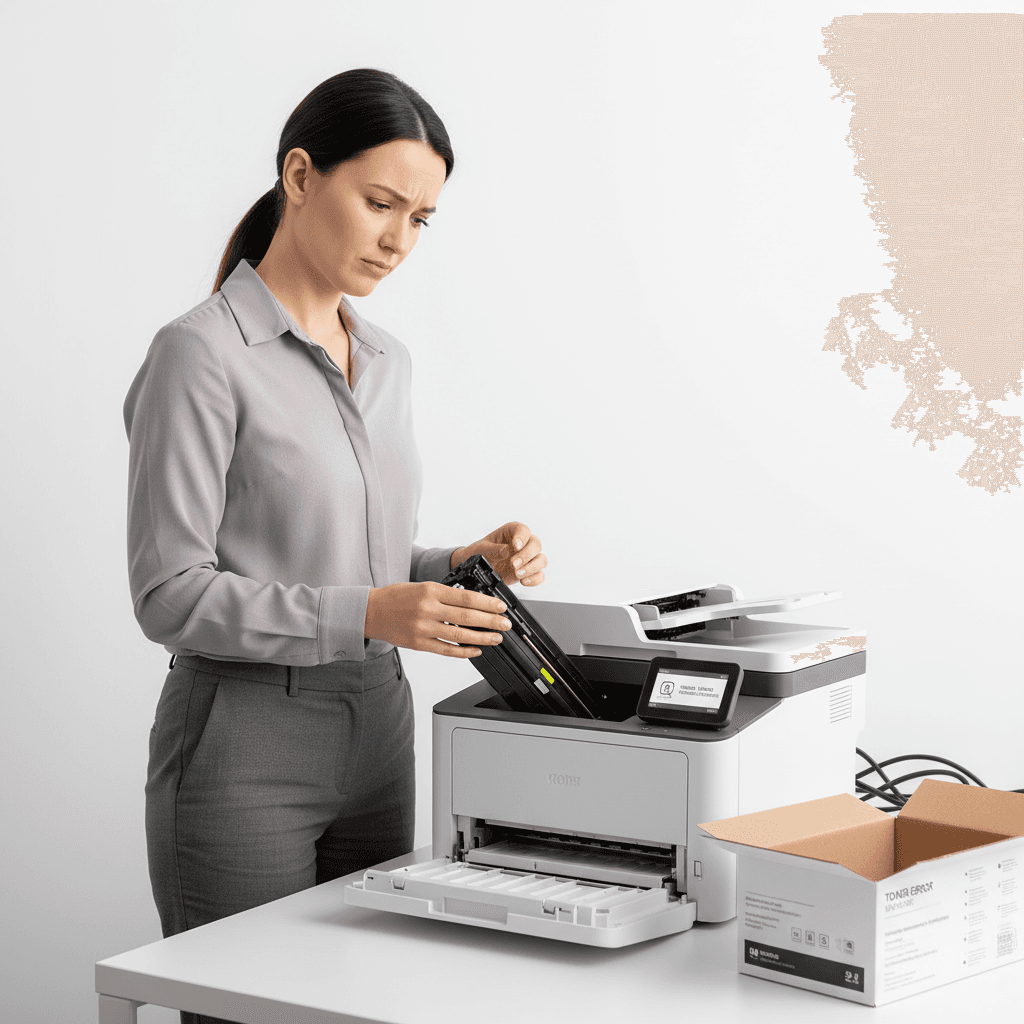
Printer Rejects New Toner? Solutions for Pakistan
Introduction
Encountering an error message when installing a new toner cartridge can be frustrating, especially when you have urgent printing tasks. This guide will help you troubleshoot why your printer might be rejecting a new toner and provide actionable steps to resolve the issue, ensuring minimal disruption to your work in Pakistan.
Main Discussion
-
Check for Compatibility: The most common reason for a printer rejecting new toner is incompatibility. Ensure the toner cartridge model number precisely matches your printer's specifications. Generic or refilled cartridges, while cost-effective, may sometimes lack the precise chip or formulation required by your specific printer model, leading to rejection. Always verify the cartridge is designed for your printer series, e.g., HP LaserJet Pro M404dn toner vs. HP LaserJet Pro M404n toner.
-
Inspect the Cartridge and Printer: Carefully examine the new toner cartridge for any visible damage, such as broken clips or loose components. Also, check the printer's toner compartment for any obstructions, paper jams, or debris that might prevent the cartridge from seating correctly. Sometimes, a protective seal or tape might have been left on the cartridge, which needs to be removed before installation.
-
Reseat the Cartridge: Incorrect installation is a frequent culprit. Remove the toner cartridge and reinsert it firmly, ensuring it clicks into place. Many printers have specific guides or locking mechanisms. Consult your printer's manual for the correct procedure. A proper seating ensures electrical contacts connect, allowing the printer to recognize the new toner.
-
Clean the Contacts: Both the toner cartridge and the printer have electrical contacts that facilitate communication. Over time, dust or toner residue can accumulate on these contacts, hindering recognition. Gently clean the metallic contacts on both the cartridge and inside the printer with a dry, lint-free cloth. Avoid using liquids or abrasive materials.
-
Update Printer Firmware: In some cases, older printer firmware might not recognize newer cartridge chip technology. Check your printer manufacturer's website for firmware updates. Installing the latest firmware can resolve compatibility issues and improve overall printer performance. This is particularly relevant for business-grade printers used in Pakistan's dynamic commercial environment.
Why It Matters
For businesses and offices in Pakistan, printer downtime due to toner issues can significantly impact productivity and workflow. Whether it's printing invoices, reports, or marketing materials, a non-functional printer leads to delays and potential loss of business. Having a reliable source for compatible toner and understanding basic troubleshooting steps ensures your operations run smoothly, maintaining efficiency and professionalism.
Contact
Contact us: +92 332 2805280