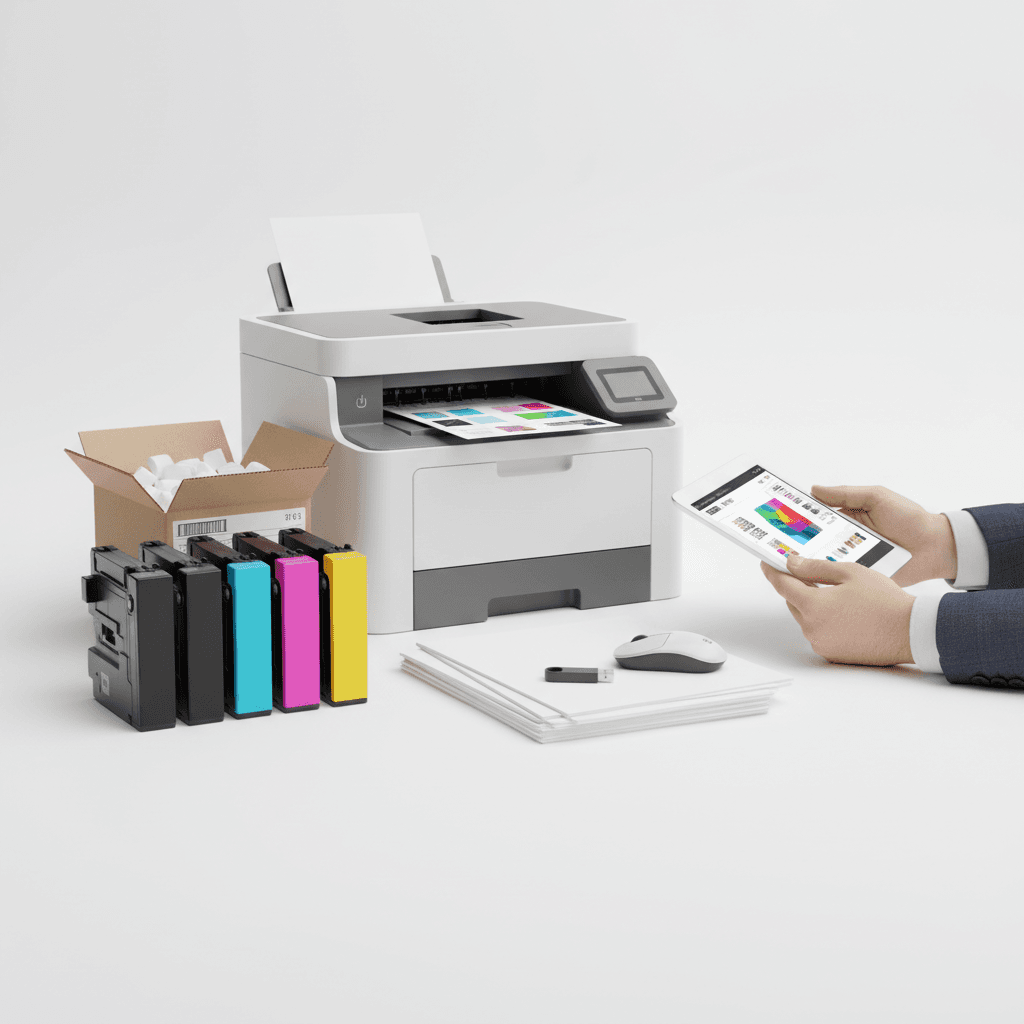
Print-Ready Files: Optimize for Office Printers in Pakistan
Introduction
Designing files for your office printer can seem straightforward, but ensuring they are 'print-ready' is crucial for professional results. Incorrectly formatted files can lead to wasted toner, blurry text, and missed deadlines. This guide will help you prepare your documents for optimal printing on standard office printers in Pakistan.
Main Discussion
-
Resolution Matters: DPI for Clarity For most office documents, including reports, presentations, and flyers, a resolution of 300 DPI (dots per inch) is ideal. This ensures sharp text and clear images when printed. Lower resolutions, like 72 DPI commonly used for web, will appear pixelated and unprofessional on paper. When using your office printer, especially with high-quality toner, good resolution is key to showcasing detail.
-
Color Modes: RGB vs. CMYK Most office printers use CMYK (Cyan, Magenta, Yellow, Black) ink or toner. While you might design in RGB (Red, Green, Blue) for screen display, it's best to convert your files to CMYK before printing. This prevents unexpected color shifts, ensuring the colors you see on screen are close to what your printer produces. This is especially important for marketing materials where brand colors need to be accurate.
-
Bleed and Margins: Avoiding Cut-Offs If your design extends to the edge of the page, you need to include a 'bleed'. This is an extra margin (typically 0.125 inches or 3mm) that extends beyond the trim line. When printing, the paper is cut to its final size. A bleed ensures that no white edges appear if the cut is slightly off. Always maintain safe margins within the bleed area for text and important graphics to avoid them being cut off by the printer.
-
Font Embedding: Ensuring Consistency To guarantee that your chosen fonts appear correctly on any printer, embed them into your document. Most design software and PDF export options allow you to 'embed fonts'. This packages the font files with your document, so the printer doesn't need to have the font installed on its system. This is vital for maintaining brand consistency and readability.
-
File Formats: PDF is King For print-ready files, PDF (Portable Document Format) is the industry standard. It preserves formatting, fonts, and images, and is widely compatible. When saving or exporting as a PDF, choose a 'high-quality print' setting. Avoid formats like JPG or PNG for multi-page documents or designs with text, as they can lead to compression issues and lower quality.
Why It Matters
In Pakistan's dynamic business environment, professional presentation is paramount. Whether you're printing invoices, marketing brochures, or internal reports, print-ready files ensure your brand image remains polished and credible. Investing a little time in proper file preparation saves you toner, reduces printing errors, and ultimately enhances your company's professional output, making a lasting impression on clients and partners.
Contact
Contact us: +92 332 2805280