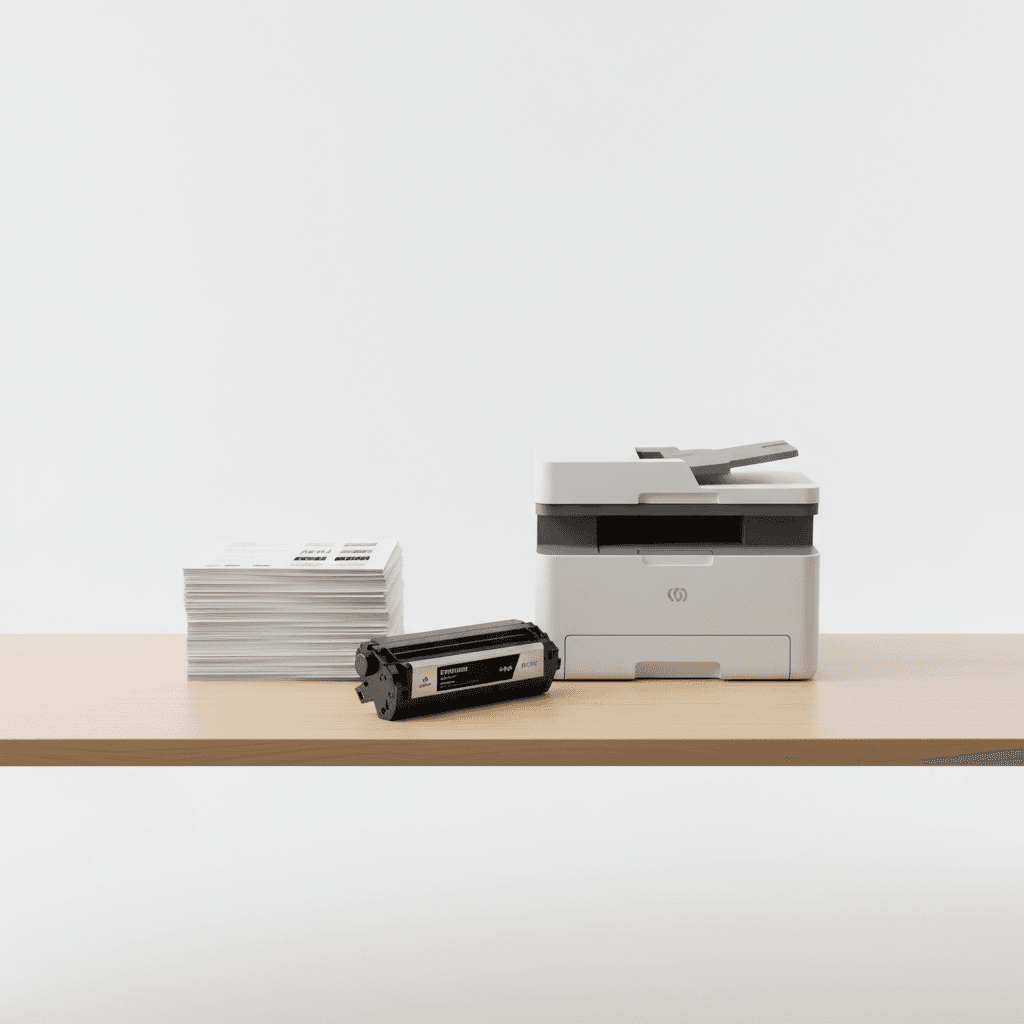
Print Quality Optimization: A Guide for Offices in Pakistan
Introduction
Achieving professional-grade prints requires more than just high-end hardware. It involves a synergy between premium toner cartridges, precise printer settings, and routine maintenance. This guide explores how to maximize the clarity and longevity of your printed documents to ensure your business communications remain sharp and professional.
Main Discussion
- Select Premium Toner Cartridges: The chemical composition of your toner directly affects adhesion and color accuracy. Using high-grade toner prevents smudging and ensures deep blacks and vibrant hues across all document types.
- Adjust DPI and Print Density: For internal drafts, lower density settings save toner, but for client-facing materials, increasing the Dots Per Inch (DPI) ensures fine lines and small fonts are rendered with absolute precision.
- Perform Regular Hardware Maintenance: Dust and debris on the drum unit or fuser can cause streaks and ghosting. Routine cleaning of the internal components extends the life of the printer and maintains consistent output quality.
- Match Paper Media to Print Jobs: Using the correct paper weight and type is crucial. Heavy-duty cardstock requires different fuser temperature settings than standard 80gsm office paper to ensure the toner bonds correctly without peeling.
Why It Matters
In the competitive Pakistani business landscape, the quality of your physical documentation reflects your professional standards. High-quality prints reduce paper waste, lower long-term operational costs by preventing hardware damage, and ensure that your reports, invoices, and marketing materials leave a lasting positive impression on stakeholders.
Contact
Contact us: +92 332 2805280