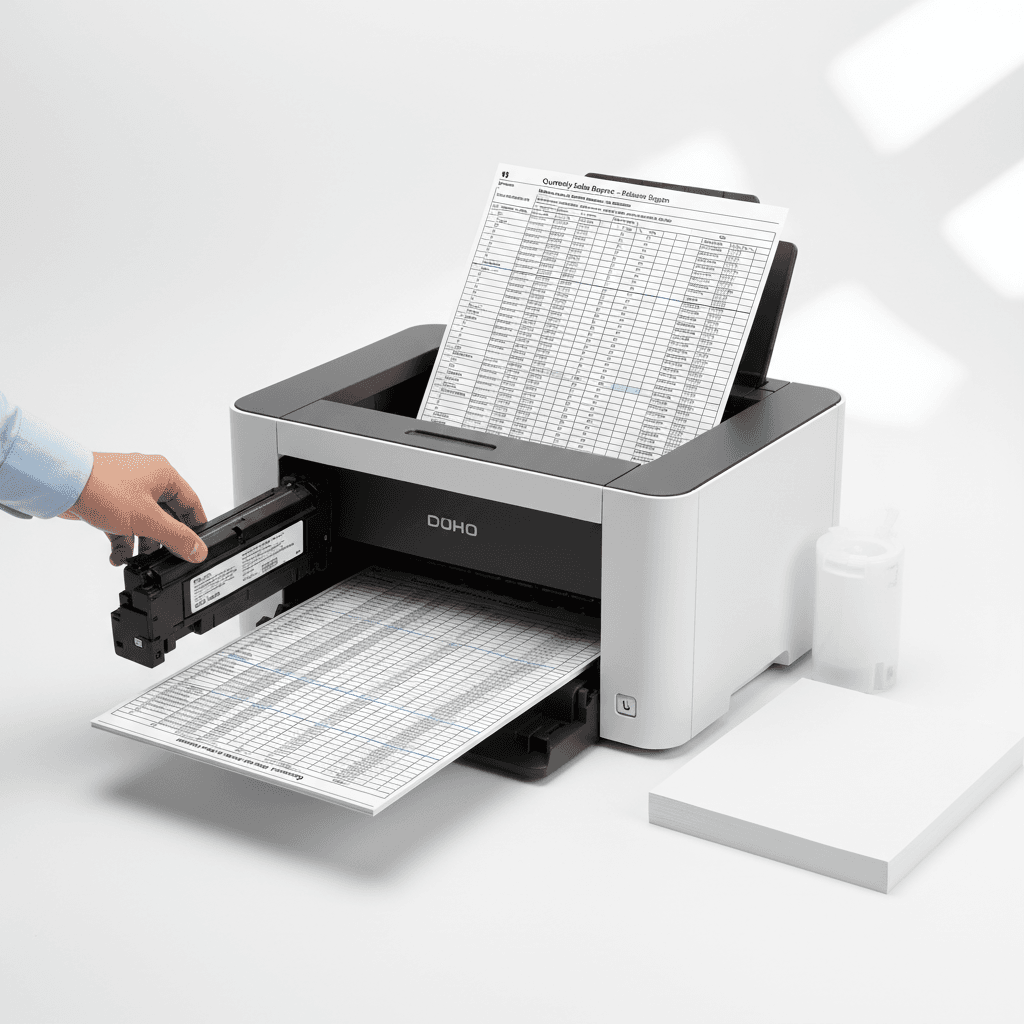
Print Large Excel Sheets Perfectly: A Pakistan Office Guide
Introduction
Printing large Excel sheets can be a challenge, often resulting in cut-off data or unreadable text. For businesses in Pakistan, clear and accurate financial reports, inventory lists, and project plans are crucial. This guide will help you master the art of printing large Excel files efficiently.
Main Discussion
- Adjusting Print Area and Scaling: Before hitting print, define your print area in Excel to include only the necessary data. Use the 'Scale to Fit' option under the Page Layout tab to shrink or enlarge your sheet to fit on a manageable number of pages. This ensures all columns and rows are visible without compromising readability, saving precious toner and paper.
- Choosing the Right Paper Size and Orientation: For exceptionally wide sheets, consider using a larger paper size like A3 if your printer supports it. Alternatively, switching to 'Landscape' orientation can often accommodate more columns than 'Portrait'. Selecting the correct settings on your printer driver, often found under 'Page Setup', is key.
- Utilizing Print Preview Effectively: Always use Excel's 'Print Preview' feature. This allows you to see exactly how your sheet will be laid out across multiple pages. You can identify and correct any formatting issues, adjust margins, and ensure headers and footers appear correctly on each page before committing to printing, saving ink and time.
- Considering Toner Quality for Clarity: For detailed spreadsheets, the quality of your toner is paramount. High-quality toner, like those offered by leading brands for your office printers, ensures crisp text and sharp lines, even when scaled down. This is especially important for charts and graphs within your Excel sheets. Investing in reliable toner cartridges from trusted suppliers in Pakistan guarantees professional-looking output.
Why It Matters
In Pakistan's dynamic business environment, efficient document management is vital. Properly printed Excel sheets ensure that crucial data for financial analysis, client presentations, and operational planning is communicated effectively. Errors or omissions due to poor printing can lead to misunderstandings, wasted resources, and a less professional image. Optimizing your printing process saves costs on toner and paper, contributing to your company's bottom line.
Contact
Contact us: +92 332 2805280