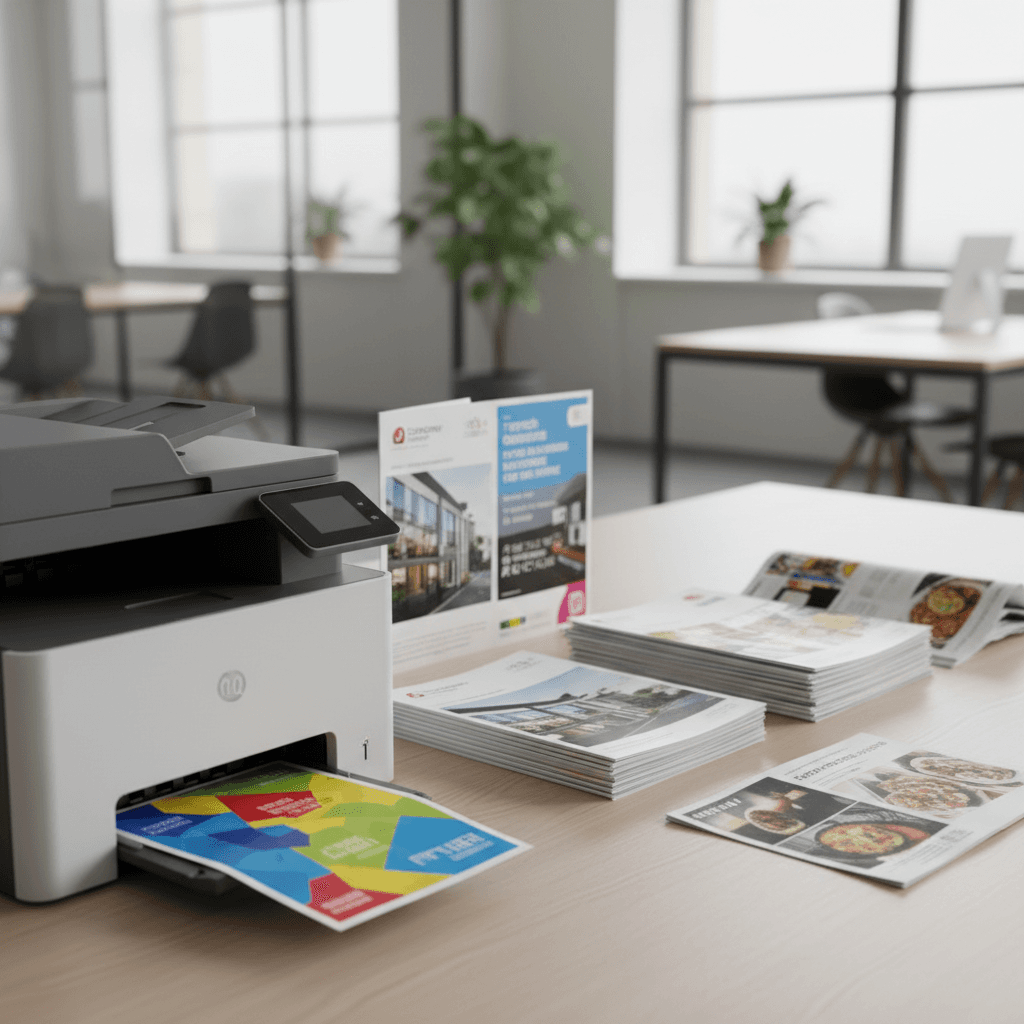
Print Flyers & Brochures In-House: A Pakistani Business Guide 2026
Introduction
In today's fast-paced business environment, effective marketing materials are crucial. Printing flyers and brochures in-house offers a cost-effective and flexible solution for businesses across Pakistan. This guide will walk you through the essential steps to achieve professional-quality prints right from your office.
Main Discussion
-
Choosing the Right Toner and Printer: For vibrant, sharp prints that make an impact, select high-quality toner cartridges compatible with your printer. Consider the page yield and color accuracy to ensure your flyers and brochures look professional. Investing in a reliable laser printer is key for consistent results and lower cost-per-page, especially for high-volume printing.
-
Paper Selection Matters: The type of paper you use significantly affects the final look and feel of your marketing materials. For flyers, a slightly heavier, glossy or matte paper stock (e.g., 150-200 gsm) can add a premium touch. Brochures often benefit from thicker, coated paper to showcase images and text effectively. Ensure your printer can handle the chosen paper weight and finish.
-
Design for Print: Before printing, ensure your designs are optimized for print. Use high-resolution images (at least 300 dpi) and CMYK color mode for accurate color reproduction. Leave adequate bleed and trim margins to avoid cutting off important design elements. Proofread all text meticulously.
-
Print Settings and Calibration: Proper printer settings are vital. Select the correct paper type and size in your print dialog. Calibrating your monitor and printer ensures that the colors you see on screen are close to what gets printed. Experiment with print quality settings to find the best balance between speed and resolution for your needs.
Why It Matters
For businesses in Pakistan, printing marketing collateral in-house can lead to significant cost savings compared to outsourcing. It allows for quicker turnaround times, enabling businesses to respond rapidly to market changes or promotional opportunities. This control over the printing process ensures brand consistency and quality, which are essential for building a strong brand image in the Pakistani market.
Contact
Contact us: +92 332 2805280