Prepare Your Printer for Pakistan's Exam Season 2026: A Guide
Introduction
As Pakistan's exam season approaches in 2026, the demand for reliable printing services skyrockets. Students, educators, and businesses alike rely heavily on printers for notes, assignments, and crucial documents. Ensuring your printer is prepared and fully functional is paramount to avoid last-minute stress and operational bottlenecks during this critical period.
Main Discussion
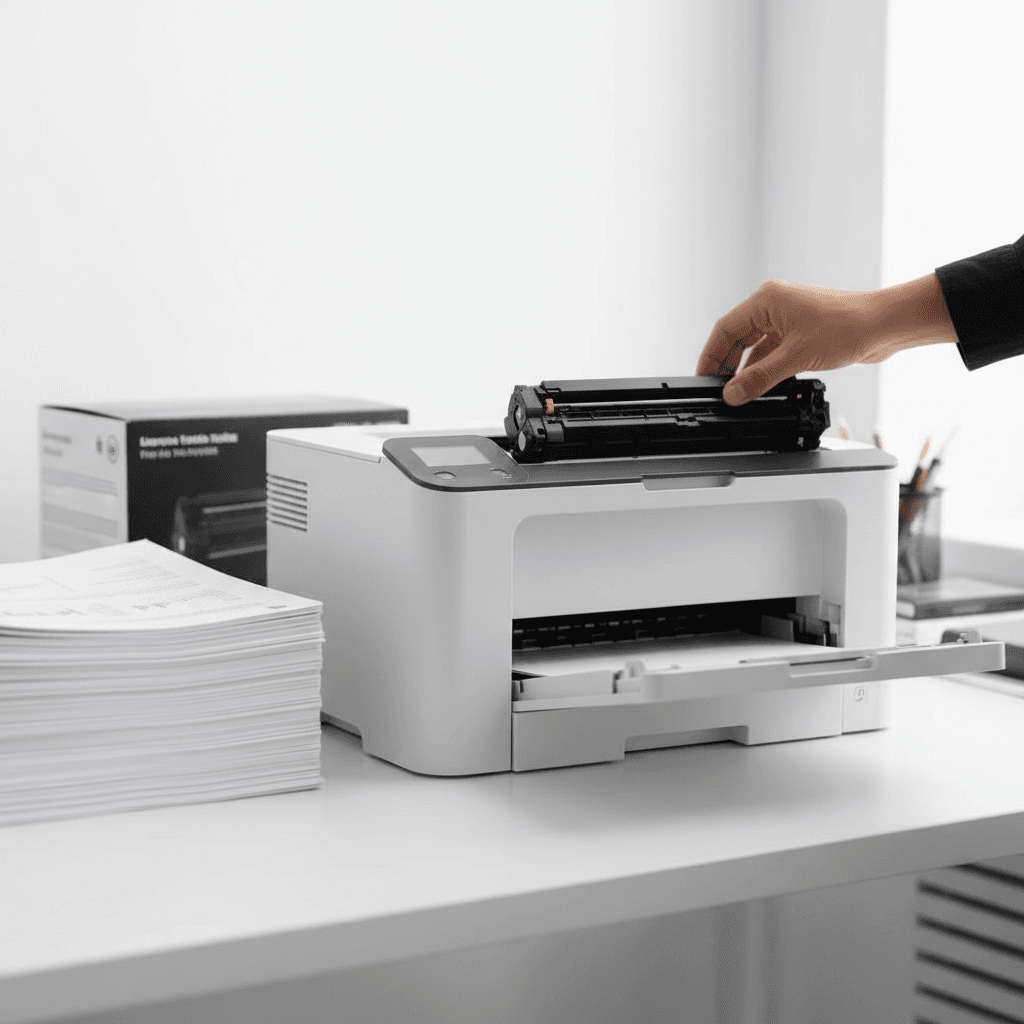
- Stock Up on Quality Toner & Ink Cartridges: The most common cause of printing delays is running out of toner or ink. Before the exam rush, check your current cartridge levels. For laser printers, ensure you have genuine, high-yield toner cartridges readily available. For inkjet printers, stock up on original ink cartridges. Using authentic supplies guarantees consistent print quality and prevents printer damage, which is crucial when every print counts. Consider our range of reliable toner solutions designed for peak performance.
- Perform Essential Printer Maintenance: A well-maintained printer is a reliable printer. Start by cleaning the exterior and interior of your device. For laser printers, gently wipe away toner dust and check the fuser unit for any debris. For inkjet printers, run print head cleaning cycles through your printer software to prevent clogs. Regularly inspect paper rollers for wear and tear, and ensure they are free from dust and paper fragments to prevent jams. A clean printer means fewer interruptions.
- Update Drivers and Firmware: Outdated printer drivers or firmware can lead to compatibility issues, slow printing, or even complete failure. Visit your printer manufacturer's website to download and install the latest drivers for your operating system. Check for any available firmware updates and install them as per the manufacturer's instructions. This ensures optimal performance, security, and compatibility with new software, making your printing process smoother.
- Optimize Paper Management: The type and quality of paper significantly impact print results and printer longevity. Use high-quality, standard-weight paper suitable for your printer model. Stock up on sufficient quantities to last through the exam season, avoiding last-minute trips. Ensure paper is stored in a dry, cool place to prevent moisture absorption, which can lead to jams and poor print quality. Load paper correctly, ensuring trays are not overfilled.
- Conduct Test Prints and Troubleshoot: Before the peak demand hits, perform several test prints of various document types (text, images, mixed content). This helps identify any potential issues like streaks, faded prints, or paper jams in advance. If you encounter problems, refer to your printer's manual or online resources for troubleshooting steps. Having a basic understanding of common printer issues can save valuable time during urgent printing needs.
Why It Matters
For businesses and offices in Pakistan, particularly those serving students or involved in educational support, printer reliability during exam season 2026 is non-negotiable. A malfunctioning printer can lead to lost revenue for stationery shops, delayed assignments for coaching centers, and significant frustration for students. Proactive printer preparation ensures uninterrupted service, maintains customer satisfaction, and upholds your reputation for efficiency and reliability during a high-stakes period.
Contact
Contact us: +92 332 2805280