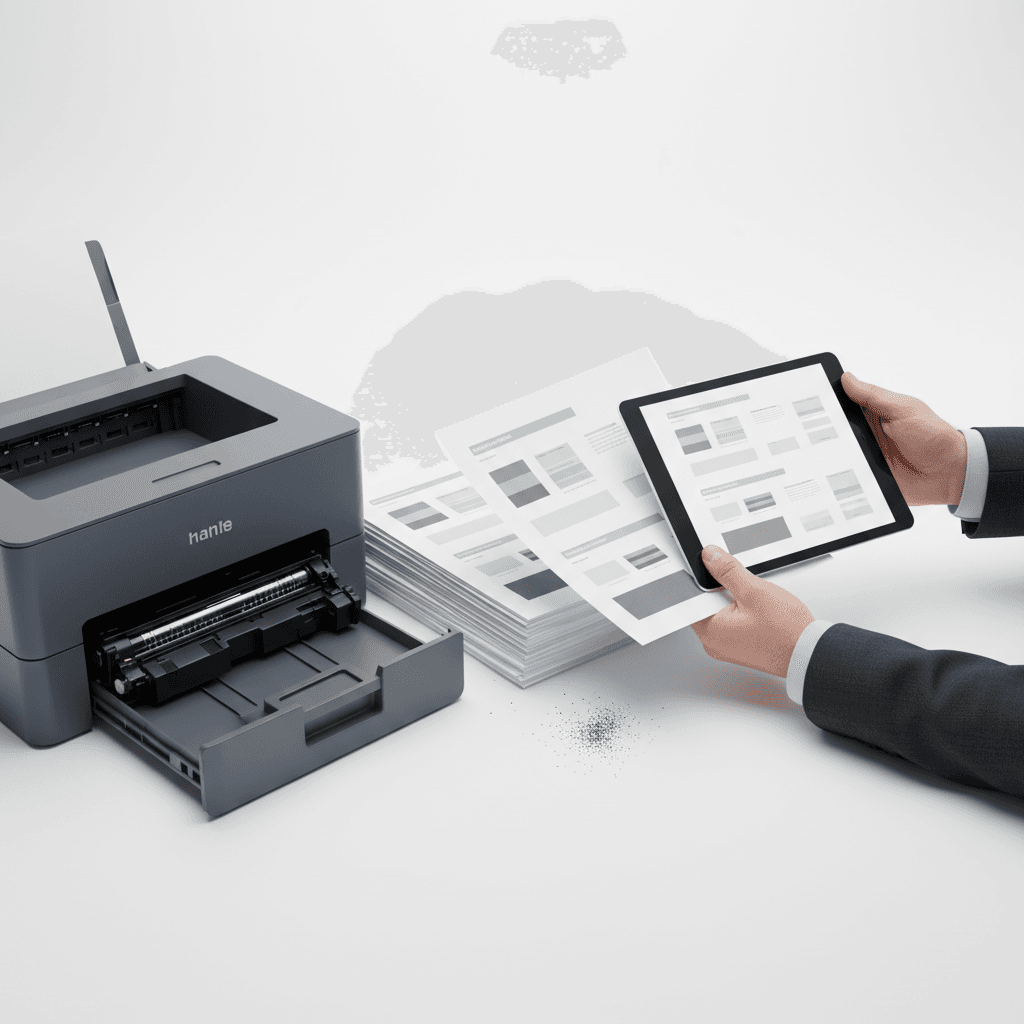
PDF Print vs. Screen: Why Your Prints Differ
Introduction
Ever sent a document to print, expecting it to look exactly like it did on your screen, only to be disappointed? This common frustration stems from fundamental differences in how digital displays and physical prints reproduce images and text. Understanding these differences is key to achieving consistent, high-quality printouts.
Main Discussion
-
Color Models (RGB vs. CMYK): Your screen uses RGB (Red, Green, Blue) to display colors, a process of adding light. Printers, however, typically use CMYK (Cyan, Magenta, Yellow, Key/Black) ink or toner, which works by subtracting light. This fundamental difference means colors you see on screen might not be perfectly reproducible with toner, often appearing less vibrant or slightly shifted when printed.
-
Resolution and Dithering: Screens have a fixed resolution (e.g., 1920x1080 pixels), while print resolution is measured in DPI (dots per inch). PDFs often contain high-resolution elements. When a printer lays down toner, it uses a process called dithering to simulate shades and gradients. This can result in a slightly different texture or appearance compared to the smooth gradients seen on a screen.
-
Toner Properties and Paper: The type of toner and paper used significantly impacts the final print. Different toners have varying finishes (matte, glossy) and particle sizes, affecting how light reflects. Paper type (coated, uncoated, its brightness) also absorbs or reflects toner differently. For businesses in Pakistan, selecting the right toner and paper combination from reliable suppliers is crucial for consistent results.
-
Font Rendering: Fonts can appear sharper and smoother on screen due to anti-aliasing techniques. When printed, especially with standard office printers and toners, fonts might look slightly less defined or have subtle variations in thickness, depending on the font file and printer driver settings.
Why It Matters
For businesses and offices in Pakistan, consistent and accurate printouts are vital for professional image and effective communication. Whether it's marketing materials, reports, or invoices, discrepancies between screen and print can lead to misinterpretations, unprofessionalism, and wasted resources on reprints. Understanding these technical nuances helps in selecting appropriate printer settings, optimizing PDF files for print, and choosing the right toner cartridges for predictable, high-quality results that reflect your brand accurately.
Contact
Contact us: +92 332 2805280