Office Printer Maintenance Checklist 2026: Boost Efficiency in Pakistan
Introduction
In today's fast-paced business environment, reliable office printers are non-negotiable for smooth operations. From essential documents to client presentations, a functioning printer keeps work flowing. However, like any vital office equipment, printers require regular attention to perform optimally. Neglecting maintenance can lead to frustrating breakdowns, costly repairs, and significant dips in productivity. This comprehensive checklist for 2026 will guide your office in Pakistan through essential printer upkeep, ensuring longevity and peak performance.
Main Discussion
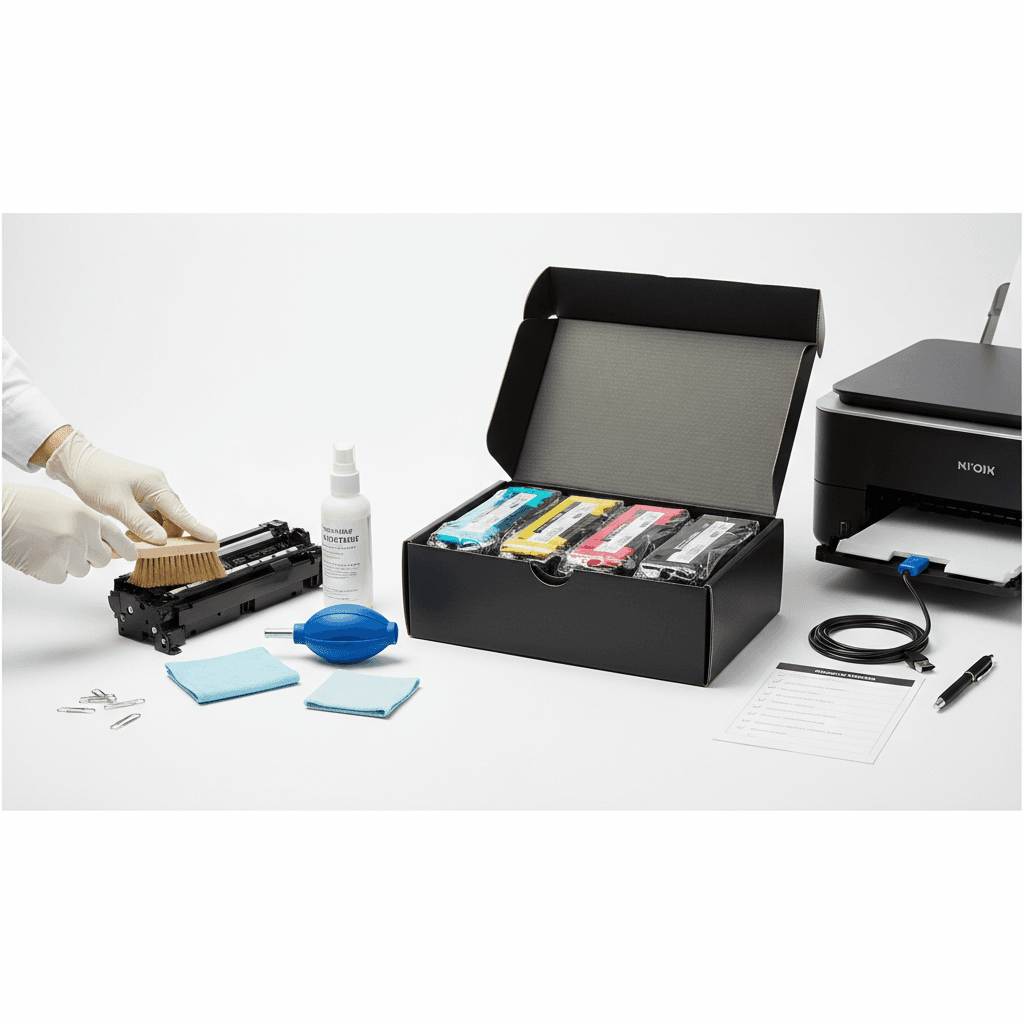
- Regular Cleaning (Internal & External): Dust and paper particles are common culprits for printer malfunctions. Use a lint-free cloth to wipe down the exterior and a can of compressed air to clear internal areas, especially around the paper path and toner cartridge bay. For laser printers, carefully remove any toner residue. This prevents paper jams, smudges, and extends the life of critical components like rollers and fusers, ensuring crisp prints with every use.
- Toner/Ink Cartridge Management: Always use high-quality, compatible toner cartridges. Improperly installed or low-quality cartridges can lead to poor print quality, toner leaks, and even damage your printer's internal mechanisms. Store spare cartridges in a cool, dry place away from direct sunlight. Replace cartridges promptly when indicated, and avoid shaking 'empty' toner cartridges excessively, as this can spread toner dust inside the machine.
- Firmware Updates & Driver Management: Keep your printer's firmware and drivers updated. Manufacturers frequently release updates that improve performance, enhance security, and resolve known issues. Regularly check your printer manufacturer's website for the latest versions. Updated drivers ensure optimal communication between your computer and printer, preventing compatibility issues and improving print job efficiency.
- Paper Tray & Roller Inspection: Periodically inspect the paper trays for any foreign objects or debris. Paper rollers, responsible for feeding paper through the printer, can wear out over time. Check for signs of wear and tear, such as visible cracks or smooth spots. Worn rollers are a primary cause of paper jams and misfeeds, leading to wasted paper and toner. Clean them gently with a damp cloth or consider replacement if they show significant wear.
- Professional Servicing: While daily and weekly checks are crucial, consider scheduling professional servicing for your office printers at least once a year, especially for high-volume machines. Technicians can perform deeper cleaning, calibrate components, and identify potential issues before they escalate into costly repairs. This proactive approach ensures your printer operates at peak efficiency and extends its overall lifespan.
Why It Matters
For businesses and offices across Pakistan, maintaining operational efficiency while managing costs is a constant challenge. Regular printer maintenance is not just a best practice; it's a strategic imperative. It directly translates to reduced operational expenses by extending the lifespan of your valuable equipment and minimizing costly repairs. Furthermore, it ensures consistent, high-quality print output, which is crucial for maintaining a professional image in client interactions. By preventing unexpected breakdowns, your team avoids productivity dips, ensuring that crucial deadlines are met and business continuity is preserved. Investing a little time in maintenance today saves significant resources tomorrow, a principle that resonates deeply within Pakistan's competitive business landscape.
Contact
Contact us: +92 332 2805280