How to Share a Printer in a Small Office Network | 2026 Guide
Introduction
Setting up a shared printer in a small office network is a practical way to reduce hardware costs and improve workflow. Instead of purchasing separate printers for every employee, a centralized printing station ensures everyone stays productive. In 2026, modern networking makes printer sharing easier than ever, allowing your team to print seamlessly while optimizing toner usage.
Main Discussion
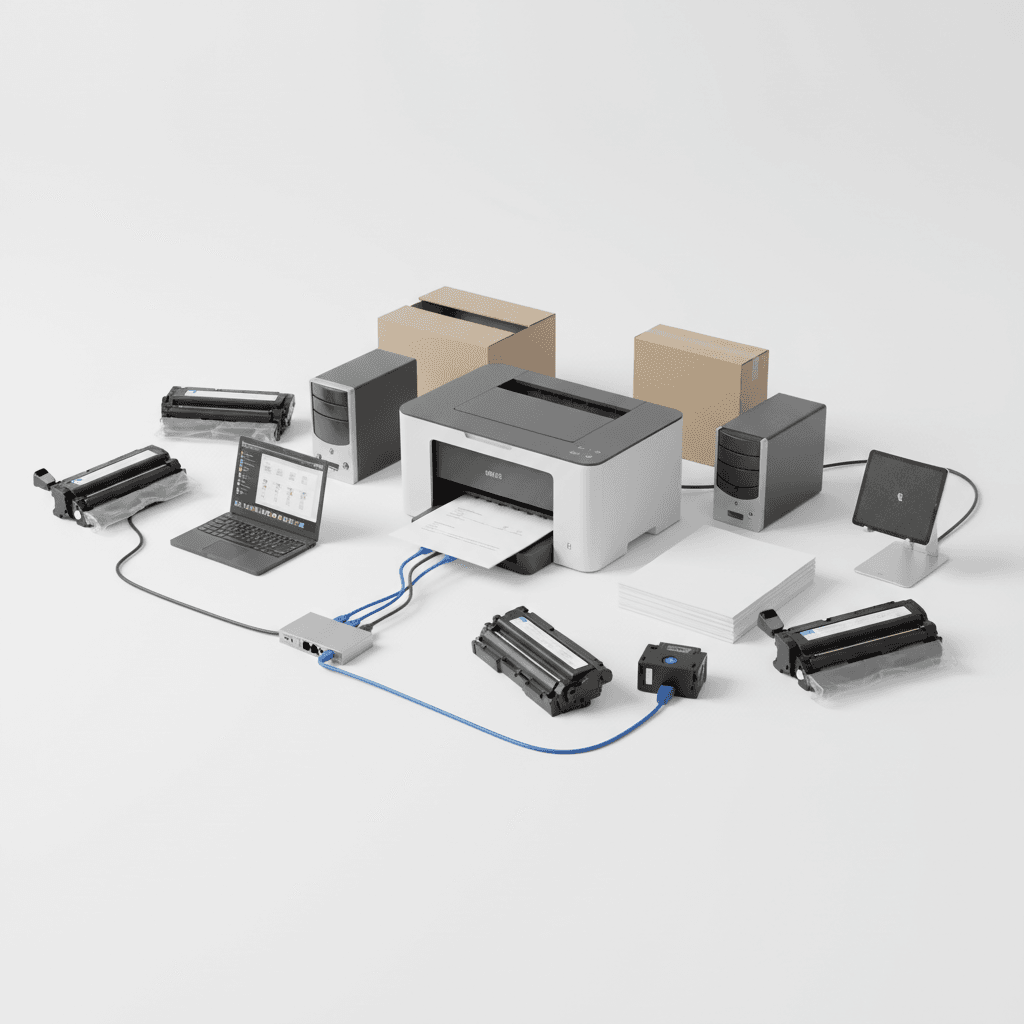
- Connect via Wi-Fi or Ethernet: Most modern laser printers come with built-in Wi-Fi or Ethernet ports. Connect the printer directly to your office router to assign it a dedicated IP address, making it accessible to all connected devices.
- Use Windows Printer Sharing: If you have an older USB-only printer, connect it to a primary PC and enable File and Printer Sharing in Windows settings. Ensure the host computer remains powered on during office hours.
- Optimize Toner and Paper Usage: A shared printer handles a higher volume of documents. Equip your network printer with high-yield toner cartridges to minimize downtime and reduce the cost per page for your business.
- Implement Print Security and Permissions: Prevent unauthorized usage by setting up user permissions. This ensures that sensitive documents are protected and helps monitor which departments are consuming the most toner.
Why It Matters
For small businesses in Pakistan, optimizing office resources is crucial for maintaining profitability. Sharing a single, high-quality laser printer reduces the need to buy multiple machines and simplifies inventory management for replacement toner cartridges. A well-networked office setup ensures smooth operations, lowers electricity consumption, and keeps overhead costs manageable in a competitive economic landscape.
Contact
Contact us: +92 332 2805280