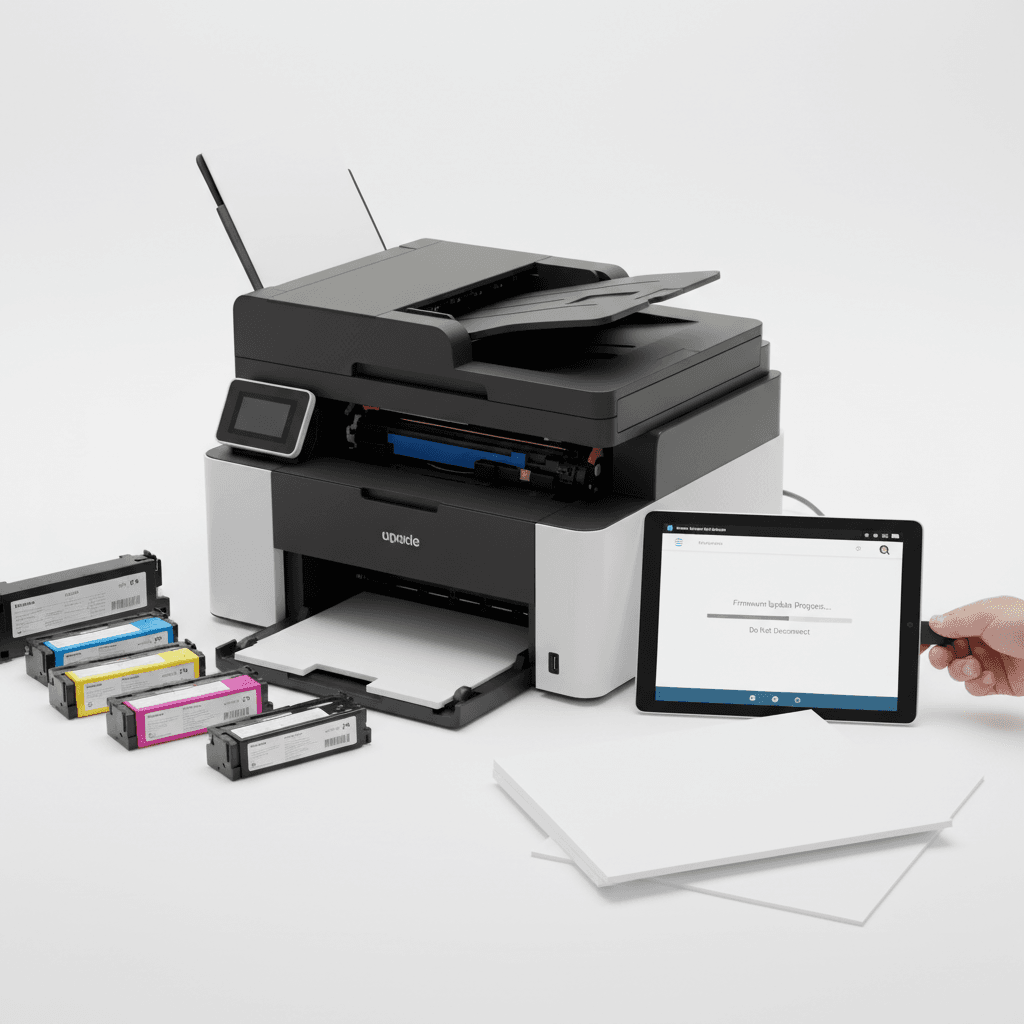
How to Safely Update Printer Firmware: A Complete Guide for 2026
Introduction
Keeping your office equipment running smoothly in 2026 requires regular maintenance, and updating your printer firmware is a critical part of that process. Firmware acts as the brain of your printer, controlling everything from print speed to how it interacts with toner cartridges. However, an interrupted or incorrect update can cause severe hardware malfunctions. This guide outlines the safest practices for updating your printer firmware without risking downtime.
Main Discussion
- Verify Toner Compatibility Before Updating: Manufacturers sometimes release firmware updates that restrict the use of third-party or remanufactured toner cartridges. Before initiating an update, review the release notes to ensure your current toner inventory will remain compatible with the new software version.
- Ensure a Stable Power and Network Connection: A power outage or network drop during a firmware installation can brick your printer. Always connect your printer to an Uninterruptible Power Supply (UPS) and use a hardwired Ethernet connection rather than Wi-Fi when downloading and installing the update.
- Download Firmware Exclusively from Official Sources: Never use third-party websites to source firmware files. Always navigate directly to the official manufacturer's website, enter your exact printer model number, and download the latest verified release for 2026.
- Print a Configuration Page First: Before making any changes, print a configuration or network summary page. This document will record your current firmware version, IP address, and custom network settings, making it easier to restore your setup if the update resets your printer to factory defaults.
Why It Matters
For businesses and corporate offices across Pakistan, hardware longevity and cost efficiency are paramount in 2026. Frequent power fluctuations and the widespread reliance on cost-effective compatible toners make safe firmware management essential. A botched update due to load shedding can lead to costly repairs or the need to replace expensive printing equipment entirely. By following safe update procedures, Pakistani enterprises can avoid unnecessary downtime, maximize the lifespan of their printers, and maintain uninterrupted daily operations.
Contact
Contact us: +92 332 2805280