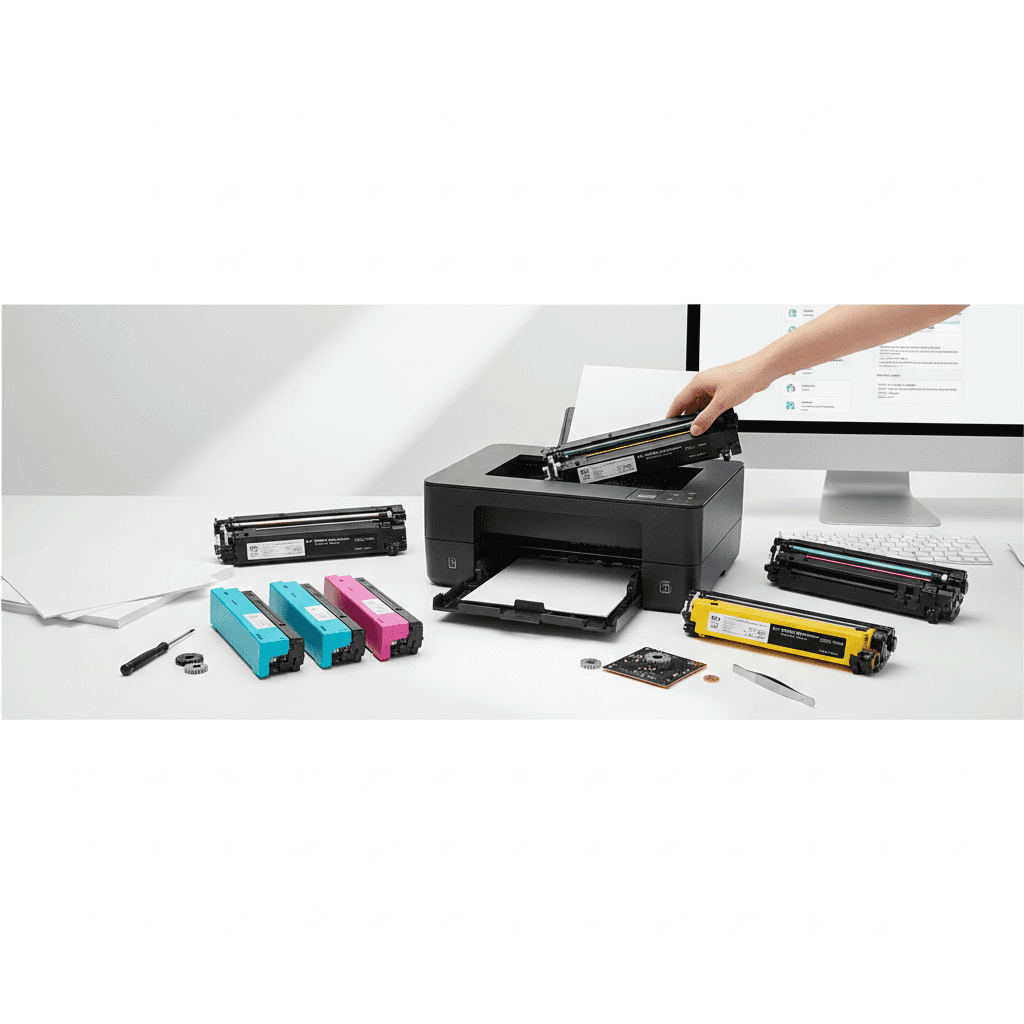
How to Reset Toner Levels on Popular Printer Brands for 2026
Introduction
Replacing a toner cartridge before it is truly empty is a common frustration for many printer users. Often, the printer's page counter triggers a low toner warning even when usable powder remains inside the cartridge. By learning how to manually reset the toner level, you can maximize the lifespan of your supplies and maintain uninterrupted printing.
Main Discussion
- Brother Printers (e.g., HL and MFC series): Brother printers frequently use a gear-based reset mechanism or a digital menu bypass. For models using TN-series toners, you can often reset the counter by opening the front cover, pressing the 'Clear' or 'Back' button, and selecting the toner replacement option from the LCD menu.
- HP LaserJet Printers: HP printers rely on embedded microchips to track page counts. While some models allow you to bypass the warning by navigating to 'Supply Settings' and selecting 'Continue' under the 'Very Low' prompt, modern HP cartridges may require you to ignore the prompt entirely until print quality degrades, or use a replacement chip.
- Canon ImageCLASS Series: Canon toners operate similarly to HP. To bypass the toner low message on many ImageCLASS models, you can access the device settings, navigate to 'Toner Settings' or 'Warning Step', and disable the alert. This allows the printer to keep printing until the toner is physically depleted.
- Samsung Xpress Printers: For popular Samsung series printers, users can sometimes access the tech menu by pressing a specific sequence of buttons on the control panel. From the tech menu, navigating to the 'Clear Counters' option allows you to reset the imaging unit and toner page counts.
Why It Matters
For businesses and corporate offices across Pakistan, managing operational costs is critical for maintaining profitability. Prematurely replacing toner cartridges due to software warnings leads to unnecessary expenses and increased electronic waste. By resetting toner levels, Pakistani enterprises can fully utilize their printing supplies, reduce their office maintenance budgets, and ensure smooth daily operations without waiting for immediate replacements from local vendors.
Contact
Contact us: +92 332 2805280