How to Reduce Toner Usage with Smart Printer Settings in 2026
Introduction
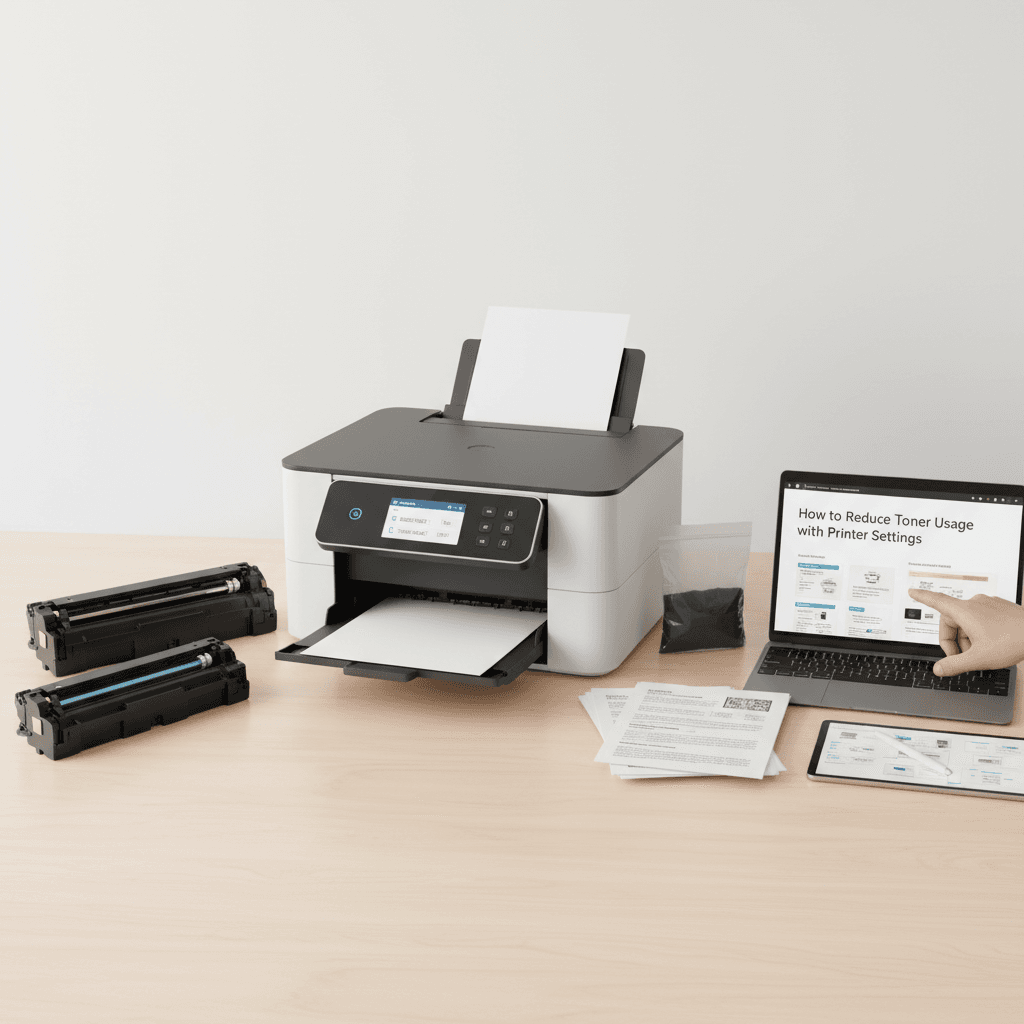
In 2026, managing office expenses is more critical than ever, and printer toner remains a significant recurring cost for many businesses. Fortunately, you do not need to compromise on document quality to cut down on printing expenses. By simply adjusting a few built-in printer settings, you can drastically reduce toner consumption and extend the life of your cartridges.
Main Discussion
- Enable Draft or Eco-Mode: Most modern laser printers feature an 'Eco-Mode' or 'Draft Mode' within the printing preferences. This setting reduces the print resolution (DPI) and applies less toner powder to the page, making it ideal for internal memos and draft reviews.
- Print in Grayscale: Color printers often use a mix of cyan, magenta, and yellow toners to create composite black, which drains color cartridges unnecessarily. Selecting 'Grayscale' or 'Black and White' ensures the printer only draws from the black toner cartridge for text documents.
- Adjust Toner Density: Dive into your printer's advanced driver settings to manually lower the toner density. Reducing the density by just 10 to 15 percent yields text that is still perfectly legible while saving a substantial amount of toner over thousands of pages.
- Utilize N-up Printing: N-up printing allows you to print multiple document pages onto a single sheet of paper. By scaling down the text and images, the total surface area requiring toner coverage is reduced, saving both paper and toner simultaneously.
Why It Matters
For businesses and corporate offices across Pakistan, the rising costs of imported tech supplies make efficient resource management essential. Extending the lifespan of your toner cartridges directly translates to lower operational costs and fewer procurement cycles. Whether you operate a small startup in Lahore or a large corporate firm in Karachi, optimizing your printer settings helps maintain profitability while reducing environmental waste in an increasingly competitive 2026 economy.
Contact
Contact us: +92 332 2805280