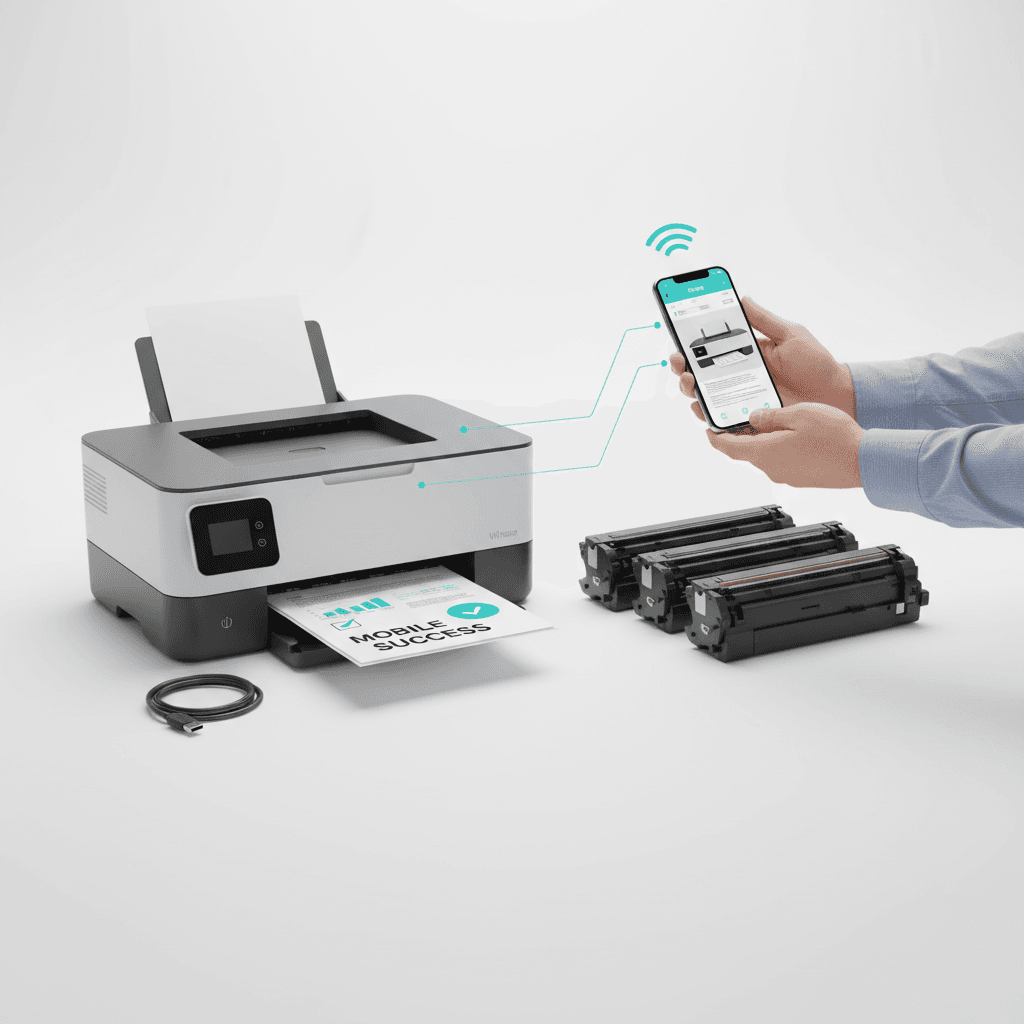
How to Print from Mobile in Pakistan: Step-by-Step Guide 2026
Introduction
In 2026, mobile printing has become an essential capability for modern offices and home businesses across Pakistan. Whether you are using an Android or iOS device, connecting directly to your printer saves time and streamlines your daily workflow. This guide provides a straightforward, step-by-step approach to setting up mobile printing effortlessly.
Main Discussion
- Connect to the Same Wi-Fi Network: The first step is ensuring both your smartphone and wireless printer are connected to the same local network. This is the foundation for built-in protocols like Apple AirPrint or the Android Default Print Service.
- Download the Official Printer App: Major printer brands offer dedicated mobile applications. Downloading these apps not only facilitates seamless document printing but also allows you to monitor your toner cartridge levels directly from your smartphone screen.
- Utilize Wi-Fi Direct for Offline Environments: If your office in Pakistan experiences temporary internet outages, Wi-Fi Direct allows your mobile device to connect directly to the printer's internal signal. This ensures you can still print important invoices or contracts without an active router.
- Maintain High-Quality Toner for Crisp Mobile Prints: Mobile documents often include compressed PDFs or images. Using premium, compatible toner cartridges ensures that even compressed mobile files print with sharp text and clear graphics, preventing wasted paper and costly reprints.
Why It Matters
For businesses in Pakistan, efficiency and adaptability are critical. Mobile printing eliminates the need to transfer files to a desktop computer, allowing sales teams, managers, and warehouse staff to print receipts, shipping labels, and reports on the go. By integrating mobile printing technology with reliable toner supplies, Pakistani enterprises can maintain high productivity, reduce downtime during network fluctuations, and keep operational costs manageable in a fast-paced 2026 market.
Contact
Contact us: +92 332 2805280