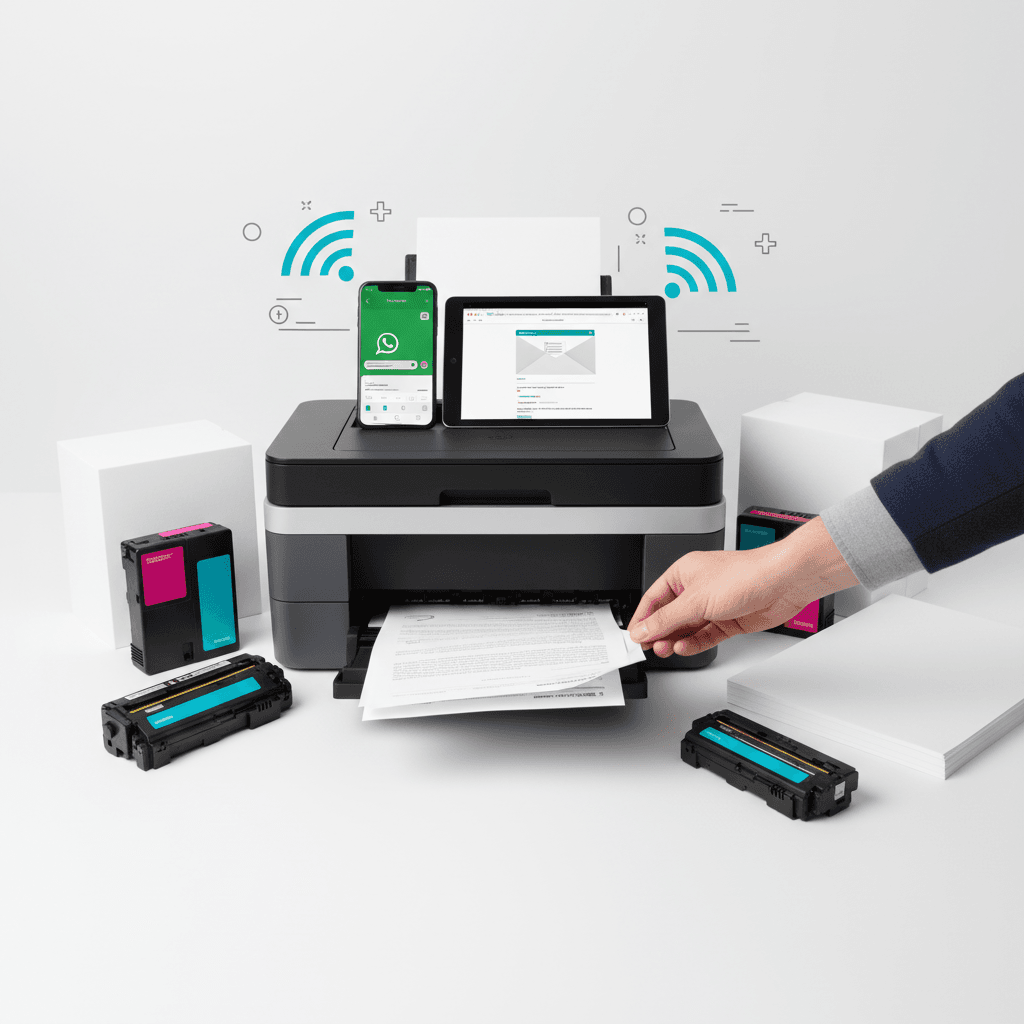
How to Print Documents from WhatsApp and Email Easily in 2026
Introduction
In 2026, fast-paced office environments require seamless document management. Printing directly from communication apps like WhatsApp and email has become a daily necessity for professionals in Pakistan. This guide explains how to efficiently route your digital files to your printer while maintaining optimal print quality and managing your toner usage effectively.
Main Discussion
- Printing via WhatsApp Web or Desktop: Sync your mobile WhatsApp to your computer. Download the PDF or image file directly to your local drive and print using standard system dialogs. This ensures your laser printer processes the file with maximum resolution, saving toner by avoiding unnecessary reprints.
- Using Mobile Print Apps (Wi-Fi Printers): Modern wireless printers allow direct printing from smartphones. Open the document in WhatsApp or your email client, select the 'Share' or 'Print' option, and route it to your Wi-Fi-enabled printer via native mobile printing services.
- Email-to-Print Features: Many enterprise-grade printers come with a dedicated email address. Simply forward your email with the attached document to the printer's address. Ensure your toner cartridges are fully stocked, as high-volume email printing can quickly deplete supplies.
- Optimizing Print Settings for Attachments: Documents received via email or WhatsApp are often compressed. Before printing, check the print preview. Select 'Draft' mode for internal memos to save toner, or 'High Quality' for client-facing contracts to ensure crisp, professional text.
Why It Matters
For businesses in Pakistan, efficiency and cost management are critical in 2026. Streamlining the printing process from everyday apps like WhatsApp and email reduces administrative bottlenecks and speeds up decision-making. By utilizing proper print settings and high-quality toner, local offices can minimize hardware wear and tear, reduce long-term operational costs, and maintain a professional standard for all physical documents.
Contact
Contact us: +92 332 2805280