How to Improve Print Quality Without Changing Printers in 2026
Introduction
Experiencing faded or streaky prints does not necessarily mean your printer has reached the end of its lifespan in 2026. Often, subpar print quality stems from maintenance neglect or using incorrect consumables rather than hardware failure. By making a few strategic adjustments to your printing setup, you can restore crisp, professional output. This guide explores practical methods to enhance your current machine's performance without the expense of a replacement.
Main Discussion
- Invest in High-Quality Toner Cartridges: The quality of your toner directly dictates the sharpness of your prints. Using premium compatible or OEM toner ensures consistent pigment distribution, preventing gray backgrounds, faded text, or toner leakage inside the machine.
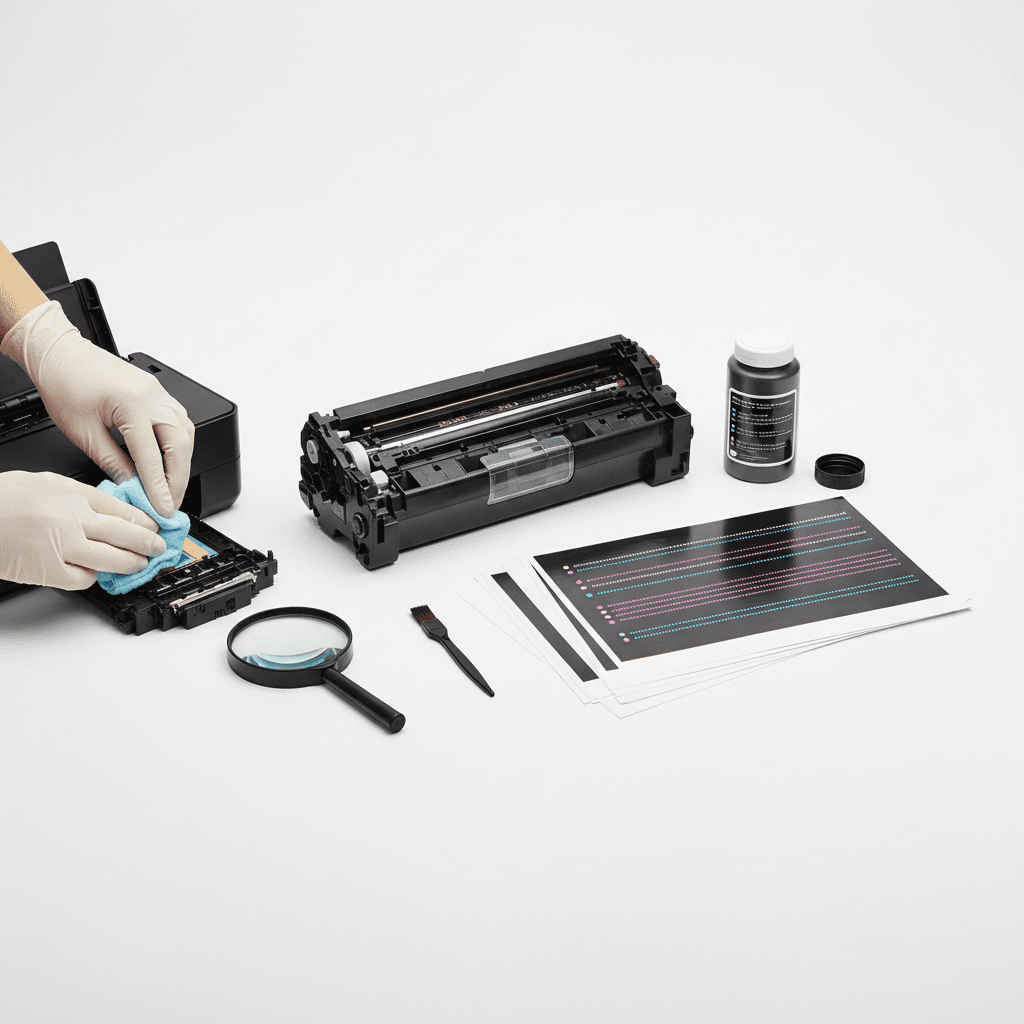
- Clean the Drum Unit and Printheads: Over time, excess toner powder and paper dust accumulate on the drum unit and internal rollers. Running your printer's built-in cleaning cycle or carefully wiping the drum with a lint-free cloth can instantly resolve vertical streaks and smudges.
- Optimize Printer Software Settings: Default printer settings often prioritize speed and toner conservation over output quality. For important business documents, access your printer properties and change the print quality setting from 'Draft' or 'Standard' to 'High' or 'Best' to increase the DPI (dots per inch).
- Select the Appropriate Paper Quality: Using damp, low-grade, or incorrect paper weights leads to toner scattering and poor adhesion. Standardize on a high-quality 80 GSM paper for daily office use, and ensure it is stored in a dry environment to prevent moisture absorption.
Why It Matters
For businesses and corporate offices across Pakistan, managing operational costs remains a critical priority in 2026. Imported IT hardware is subject to fluctuating exchange rates and high import duties, making frequent printer replacements financially unviable. By optimizing existing equipment through proper maintenance and utilizing high-quality toners, local enterprises can maintain professional standards for contracts, invoices, and client materials while significantly reducing overhead expenses.
Contact
Contact us: +92 332 2805280