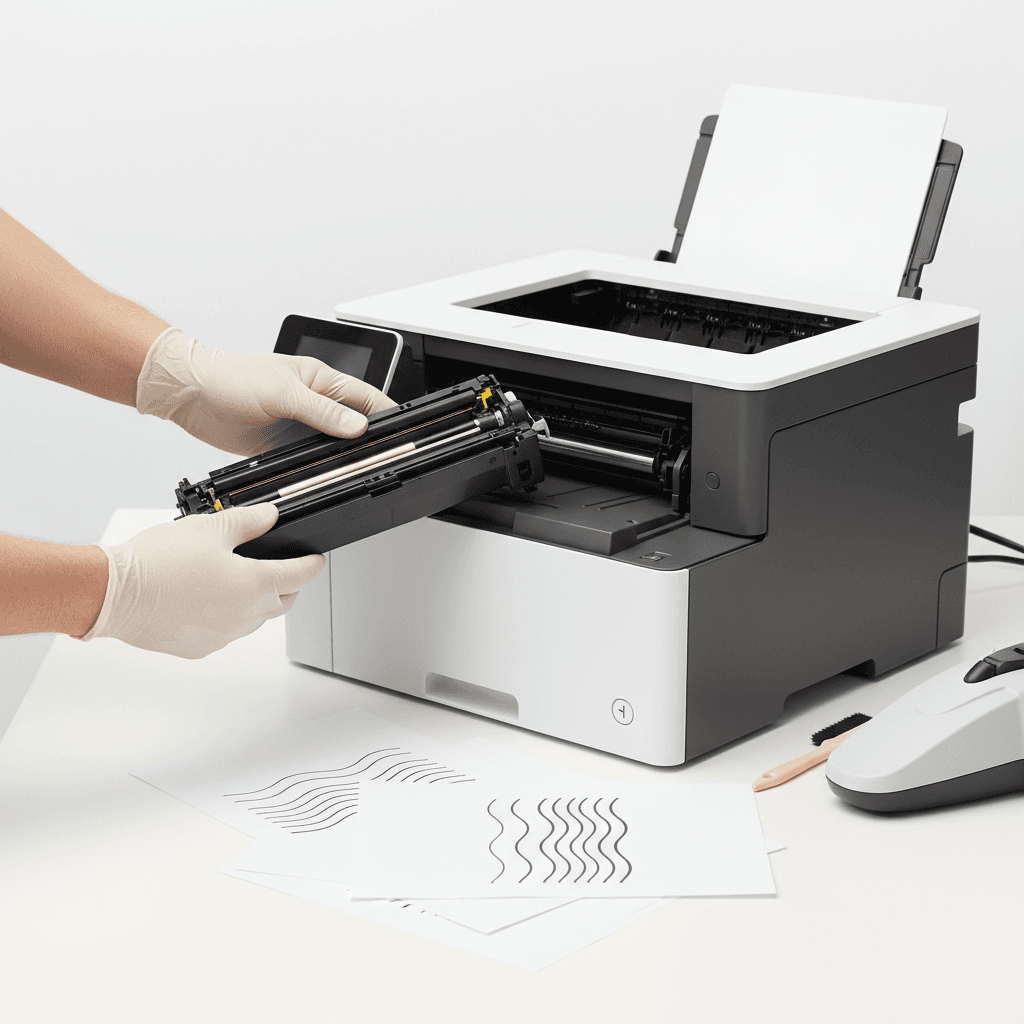
How to Fix Streaks on Printed Pages: A Complete Guide for 2026
Introduction
Encountering streaks on printed documents is a common frustration that can disrupt office workflows. Whether you are printing critical contracts or daily reports, poor print quality reflects poorly on your business. In 2026, modern laser printers are highly efficient, but they still require proper maintenance to ensure crisp, clean outputs. This guide explores the root causes of print streaks and provides actionable steps to resolve them.
Main Discussion
- Check and Clean the Corona Wire: The corona wire applies a static charge to the paper, drawing the toner from the drum. If it becomes coated in toner dust, it will cause vertical streaks. You can usually fix this by gently sliding the built-in cleaning tab back and forth across the drum unit.
- Inspect the Drum Unit for Damage: The drum unit is responsible for transferring the toner powder to the page. Scratches, wear, or light exposure on the drum cylinder will leave consistent marks or streaks. If your hardware has exceeded its recommended page yield, replacing the drum unit is the most effective solution.
- Redistribute the Toner Cartridge: Sometimes, toner powder settles unevenly inside the cartridge, particularly in offices where printing is infrequent. Remove the toner cartridge and gently rock it from side to side to distribute the powder evenly before reinstalling it.
- Clean the Fuser Rollers: The fuser assembly melts the toner onto the paper. Dirt or excess toner buildup on the fuser rollers can cause smudging and streaking. Running a standard cleaning page through your printer settings can often clear minor fuser debris.
Why It Matters
For businesses and offices operating in Pakistan, maintaining high print quality is essential for professional communication and accurate record-keeping. In a fast-paced corporate environment, delays caused by faulty equipment can lead to missed deadlines and increased operational costs. By understanding how to troubleshoot and fix print streaks, Pakistani businesses can extend the lifespan of their printers, reduce the need for premature toner replacements, and ensure that every document printed in 2026 meets the highest professional standards.
Contact
Contact us: +92 332 2805280