How to Fix Paper Jams in Laser Printers: A Complete 2026 Guide
Introduction
Paper jams are a common disruption in high-volume office environments, often caused by incorrect loading or worn-out rollers. Understanding the mechanics of your laser printer is essential for maintaining productivity and preventing hardware damage. This guide provides step-by-step solutions to keep your printing operations running smoothly in 2026.
Main Discussion
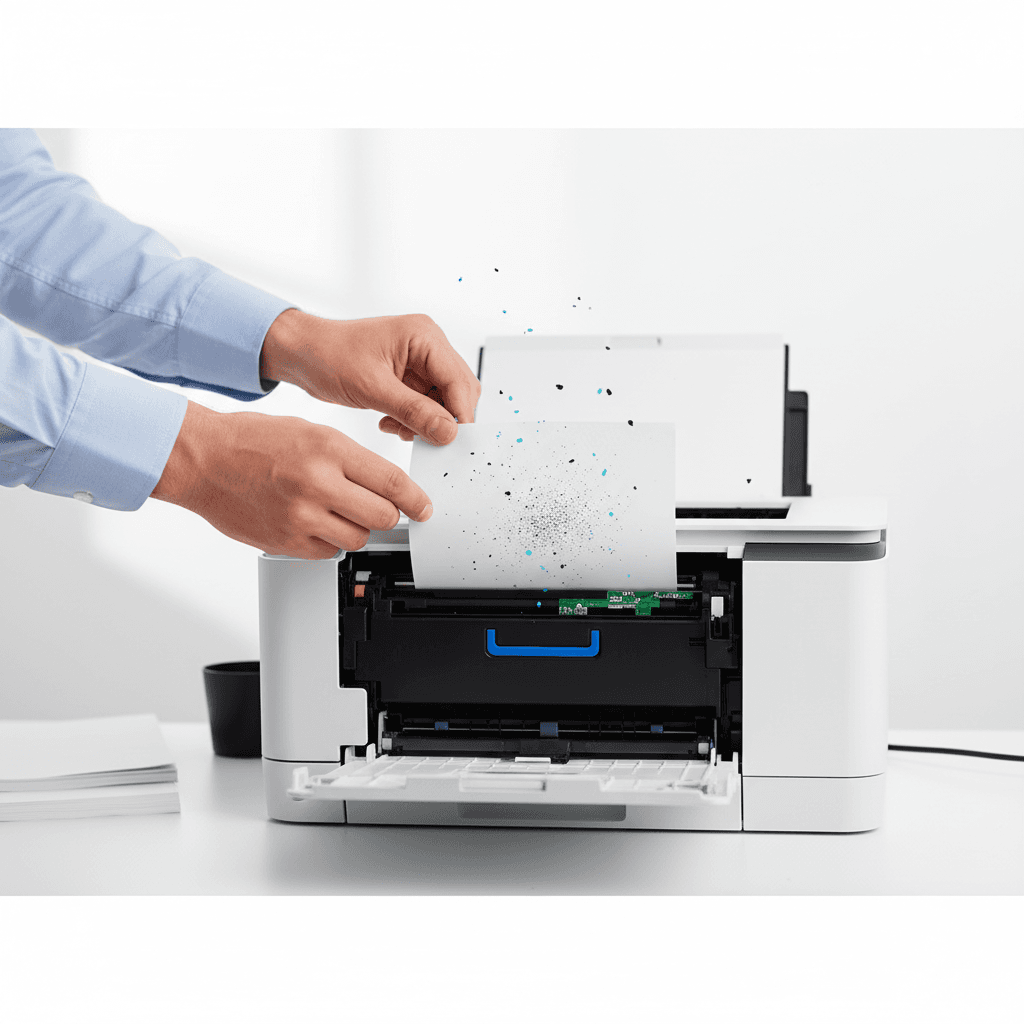
- Clear the Path Carefully: Always turn off the printer before attempting to remove jammed paper. Pull the paper slowly in the direction of the paper path to avoid tearing, as small fragments can cause recurring sensor errors.
- Inspect the Toner Cartridge: Jams frequently occur near the fuser or the toner assembly. Remove the toner cartridge to inspect the internal cavity. Ensure the drum is clean and the cartridge is seated correctly to prevent mechanical misalignment.
- Check Paper Quality and Alignment: Using low-quality or damp paper is a leading cause of jams in Pakistan's humid climate. Always use high-grade paper stored in a dry environment and ensure the tray guides are snugly fit against the stack.
- Clean the Pickup Rollers: Over time, paper dust and toner residue accumulate on the rubber rollers. Cleaning these components with a lint-free cloth can restore the grip needed to pull paper correctly through the feeder.
Why It Matters
For businesses in Pakistan, printer downtime translates directly to lost revenue and delayed administrative tasks. Efficient troubleshooting ensures that expensive toner supplies are not wasted on misprints and that hardware longevity is maximized in demanding commercial settings.
Contact
Contact us: +92 332 2805280