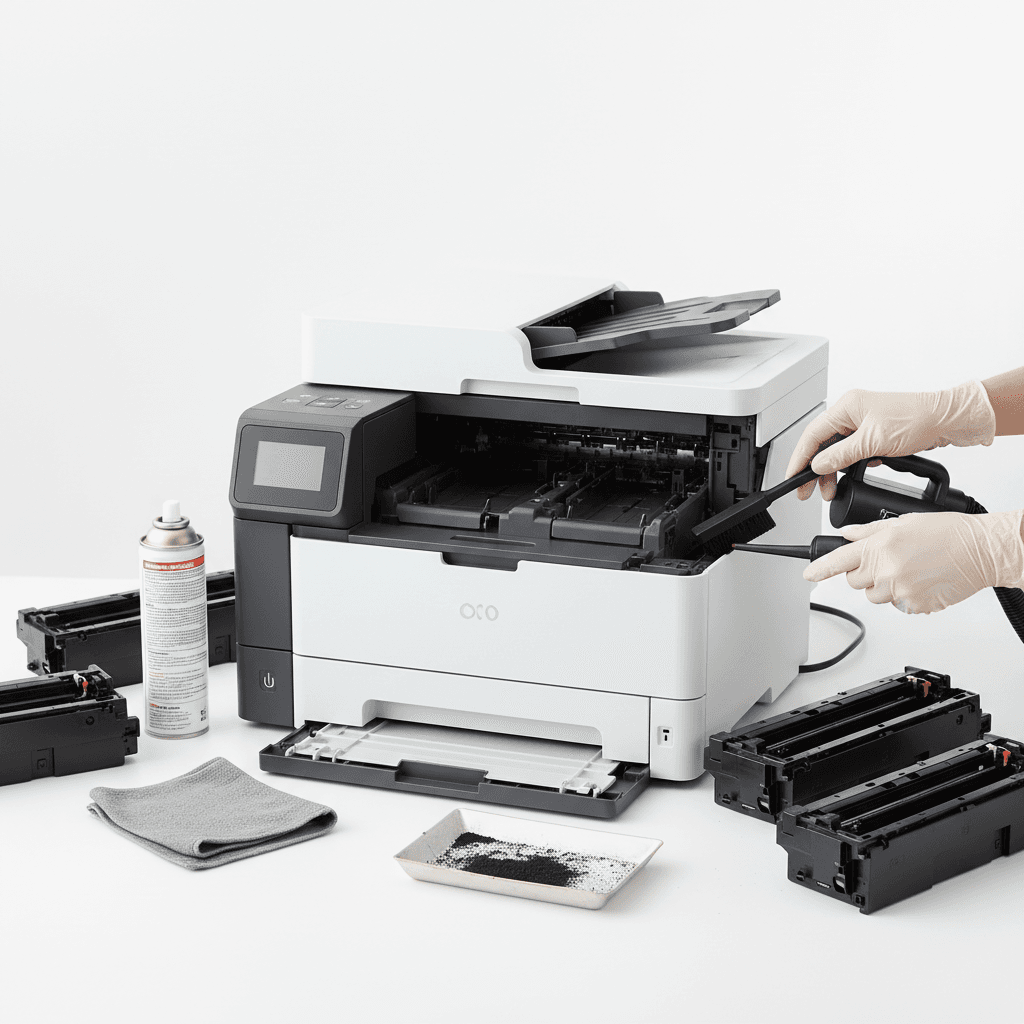
How to Clean Your Printer Safely at Home: Essential 2026 Guide
Introduction
Regular printer maintenance is essential for ensuring crisp documents and extending the lifespan of your equipment. As we navigate the demands of home offices and remote work in 2026, keeping your printing hardware free of dust and debris is highly critical. A clean printer not only prevents paper jams but also maximizes the efficiency and longevity of your toner cartridges.
Main Discussion
- Prioritize Safety First: Always turn off and unplug your printer before beginning any physical cleaning process. Allow the internal components, especially the fuser unit in laser printers, to cool down completely to prevent accidental burns.
- Wipe Down the Exterior: Use a slightly damp, lint-free microfiber cloth to gently wipe the outside of the printer. Avoid using harsh chemicals or spraying liquids directly onto the device, as moisture can seep in and damage internal circuitry.
- Clean the Toner Cartridge Area: Carefully remove the toner cartridge and place it on a clean piece of paper. Use a soft-bristled brush or a specialized toner vacuum to remove stray toner powder from the internal cavity. Never touch the imaging drum, as oils from your skin can cause permanent print defects.
- Maintain the Paper Rollers: Dust and paper lint frequently accumulate on the pickup rollers, leading to misfeeds and paper jams. Wipe the rubber rollers gently with a lint-free cloth lightly moistened with distilled water, rotating them to clean the entire surface.
- Run Software Maintenance: After reassembling the printer, utilize the built-in maintenance software. Running a calibration or cleaning cycle ensures the toner is properly aligned and the internal mechanisms are functioning optimally.
Why It Matters
In Pakistan, environmental factors such as high dust levels and fluctuating humidity can quickly compromise sensitive office equipment. For local businesses, corporate offices, and home-based professionals, routine printer cleaning prevents premature hardware failure and reduces the frequency of costly repairs. By maintaining a clean internal environment for your toner cartridges, you ensure consistent, professional-grade print quality while optimizing your operational budget and reducing electronic waste.
Contact
Contact us: +92 332 2805280