Fix Word & PDF Print Layout Issues | Pakistan Toner Guide
Introduction
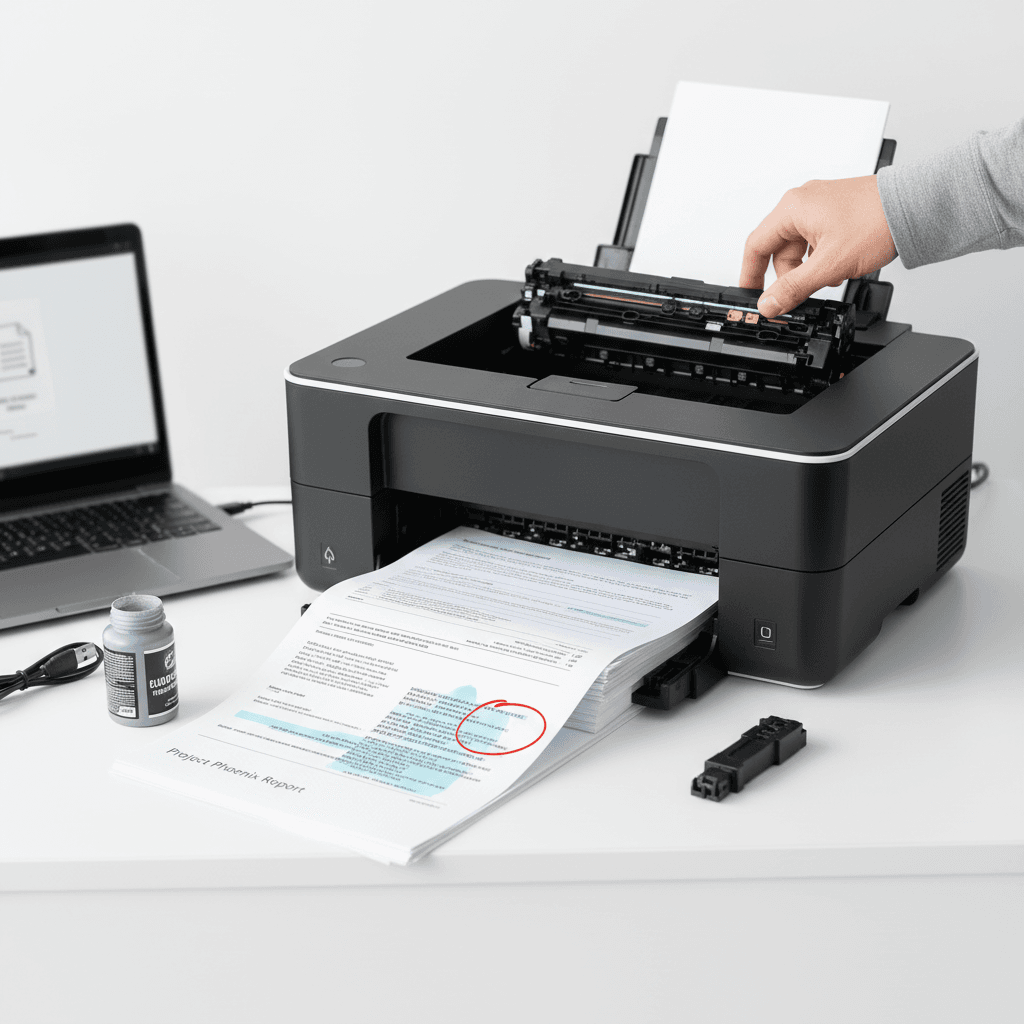
Printing documents from Microsoft Word or PDF files can sometimes lead to frustrating layout problems. Whether it's misaligned text, missing pages, or incorrect scaling, these issues can disrupt workflow and waste valuable toner. This guide will help you troubleshoot and resolve common print layout challenges.
Main Discussion
- Check Printer Margins and Page Setup: Often, print layout issues stem from incorrect margin settings in Word or PDF viewers. Ensure your document's page setup (margins, paper size) matches your printer's capabilities. For Word, go to 'Layout' > 'Margins' and 'Size'. For PDFs, check the print dialog box for margin and scaling options. Using the correct paper size setting is crucial for preventing content from being cut off, saving on unnecessary toner usage.
- Font Embedding in PDFs: If your PDF looks fine on screen but prints incorrectly, it might be due to missing fonts. When creating PDFs, ensure fonts are embedded. In Word, when saving as PDF, look for 'Options' and check 'ISO 19005-1 compliant (PDF/A)' or similar options that handle font embedding. This ensures the document displays and prints consistently, regardless of the viewer's installed fonts, preserving your intended layout and toner.
- Scaling and Fit to Page Options: When printing, especially from PDF readers like Adobe Acrobat, the 'Fit to Page' or 'Actual Size' options can significantly alter the layout. 'Fit to Page' might shrink your document to fit the paper, potentially distorting proportions or making text too small. 'Actual Size' prints at 100%, which is usually best for preserving layout integrity. Experimenting with these settings can resolve issues where content is cropped or appears too large or small, optimizing toner consumption.
- Printer Driver Updates: Outdated or corrupted printer drivers are a common culprit for printing errors, including layout problems. Ensure you have the latest drivers installed for your specific printer model. Visit the manufacturer's website to download and install the most recent version. Updated drivers often contain fixes for compatibility issues and improve print accuracy, leading to cleaner prints and efficient toner use.
Why It Matters
For businesses and offices in Pakistan, accurate print layouts are essential for professionalism and efficiency. Misaligned prints can create a poor impression on clients and partners. Furthermore, incorrect scaling or repeated print errors lead to wasted paper and toner, directly impacting operational costs. Mastering these print fixes ensures smooth document production, cost savings, and a polished image for your organization.
Contact
Contact us: +92 332 2805280