Fix Print Quality Issues: A Guide for Businesses in Pakistan
Introduction
Nothing disrupts office productivity quite like a sudden drop in print quality. From faded text to unsightly streaks, these issues can be frustrating and costly, especially for businesses in Pakistan relying on crisp, professional documents. Understanding how to diagnose and resolve common printer problems is crucial for maintaining efficiency and extending the life of your equipment. This guide will walk you through essential troubleshooting steps to get your prints back to perfection.
Main Discussion
1. Inspect Your Toner Cartridge & Supply
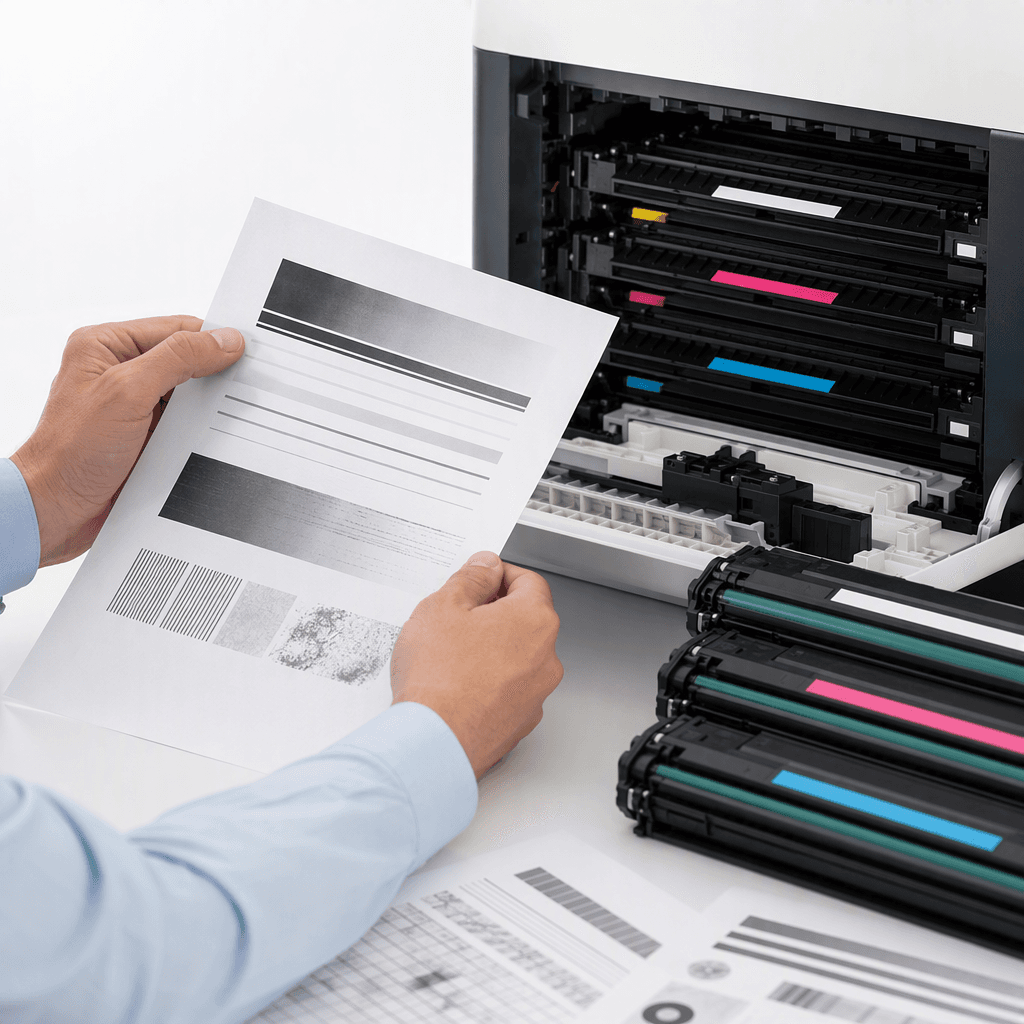
Often, print quality issues stem directly from the toner cartridge. First, check your printer's display for low toner warnings. Even if not empty, a cartridge might be nearing its end, causing fading or inconsistent output. Ensure the cartridge is correctly seated and not a non-OEM or refilled unit that could be incompatible or faulty. For businesses in Pakistan, using high-quality, compatible toner from a reputable supplier is vital to prevent issues like streaks, light prints, or blotches.
2. Verify Printer Settings and Drivers
Incorrect printer settings can drastically affect output. Access your printer's preferences on your computer and ensure the print quality is set to 'Standard' or 'High' and not 'Draft' mode. Also, confirm that you're using the correct paper type setting. Outdated or corrupted printer drivers can also lead to problems; visit your printer manufacturer's website to download and install the latest drivers for your specific model.
3. Perform Printer Maintenance & Cleaning
Over time, dust, toner residue, and paper fibers can accumulate inside your printer, leading to various print defects. Consult your printer's manual for instructions on how to clean the drum unit, fuser, transfer roller, and other critical components. A simple cleaning can often resolve issues like streaks, spots, or smudges. Regular maintenance is key to prolonging your printer's lifespan and ensuring consistent quality.
4. Assess Paper Quality and Storage
The type and condition of your paper play a significant role in print quality. Ensure you are using paper that is compatible with your laser printer. Using paper that is too thin, too thick, or has an unsuitable finish can cause jams or poor toner adhesion. Furthermore, paper stored in humid environments, common in many parts of Pakistan, can absorb moisture, leading to curled pages, smudges, or uneven toner distribution. Store paper in a cool, dry place.
Why It Matters
For businesses and offices across Pakistan, consistent, high-quality printing is not just a convenience; it's a necessity. From client proposals and invoices to marketing materials and internal reports, every document reflects your professionalism. Resolving print quality issues promptly saves valuable time, reduces paper and toner waste, and prevents costly service calls. Investing in proper troubleshooting knowledge and quality toner supplies ensures uninterrupted workflow and a professional image, directly impacting your operational efficiency and bottom line.
Contact
Contact us: +92 332 2805280