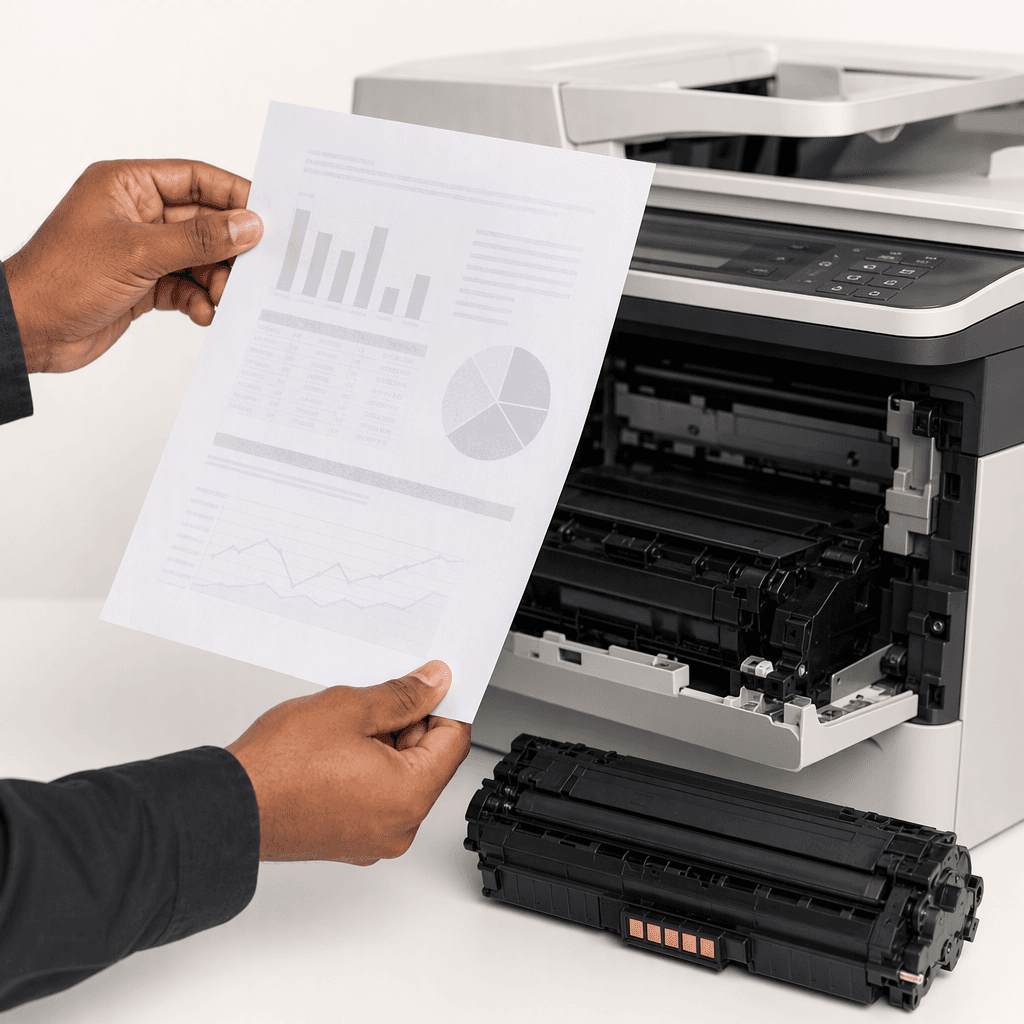
Fix Faded Prints: A Guide to Solving Toner Issues for Pakistani Businesses
Introduction
Faded prints can be a frustrating and unprofessional problem for any business or home office. When your documents lack the crispness and clarity you expect, it often points to an underlying issue with your printer's toner. Understanding the root causes of faded prints is crucial for maintaining productivity and print quality. This guide will walk you through common toner-related problems and their effective solutions, ensuring your prints always look their best.
Main Discussion
- Low Toner Level: The most straightforward cause of faded prints is a low toner cartridge. As toner depletes, the printer struggles to distribute enough powder evenly, resulting in light or patchy output.
- Solution: Check your printer's control panel or software for toner levels. If low, replace the toner cartridge with a new, high-quality one. For maximum yield, gently shake the old cartridge side-to-side a few times before replacement to temporarily redistribute any remaining toner.
- Clogged Toner Cartridge or Drum Unit Issues: Sometimes, even with sufficient toner, blockages or issues with the drum unit can prevent proper toner transfer. The drum unit, which charges and transfers toner to the paper, can degrade over time or become contaminated.
- Solution: Remove the toner cartridge and gently shake it to dislodge any clumps. Inspect the drum unit (if separate) for visible damage or excessive toner buildup. Clean the corona wire (a thin wire inside the drum unit) carefully with a lint-free cloth or the built-in cleaner, if available. If the drum unit is old or damaged, consider replacing it.
- Incorrect Printer Settings: Your printer's settings can significantly impact print quality. If the print density is set too low or an economy mode is enabled, prints will appear faded even with a full toner cartridge.
- Solution: Access your printer's settings via its control panel or your computer's print dialogue box. Increase the print density or toner darkness setting. Ensure "Toner Save Mode" or "Draft Mode" is disabled for important documents. For specific applications, check if the print quality is set to "Standard" or "High" instead of "Draft."
- Fuser Assembly Problems: The fuser assembly is responsible for melting the toner onto the paper. If it's not reaching the correct temperature or has a fault, the toner won't properly adhere, leading to faded or easily smudged prints.
- Solution: Fuser issues are often more complex and may require professional intervention. However, ensure your printer is plugged directly into a wall outlet (not a surge protector) to rule out power fluctuations. Check for any error messages related to the fuser. If the problem persists, consult your printer's manual or a certified technician.
- Poor Quality or Incompatible Toner: Using generic or refilled toner cartridges that aren't manufactured to high standards or are incompatible with your specific printer model can lead to inconsistent print quality, including faded output.
- Solution: Always opt for high-quality, compatible toner cartridges from reputable suppliers. While generic options might seem cheaper upfront, they can cause more problems and reduce the lifespan of your printer. Invest in quality toner designed for your printer model to ensure optimal performance and vibrant prints.
Why It Matters
For businesses and offices across Pakistan, crisp, clear prints are not just about aesthetics; they're about professionalism, efficiency, and cost-effectiveness. Faded documents can convey a poor image to clients, make internal reports difficult to read, and even lead to reprinting, wasting valuable time and resources. By promptly addressing toner issues, Pakistani businesses can maintain high standards, reduce operational costs associated with reprints, and ensure smooth daily operations, reflecting a commitment to quality in every aspect of their work.
Contact
Contact us: +92 332 2805280