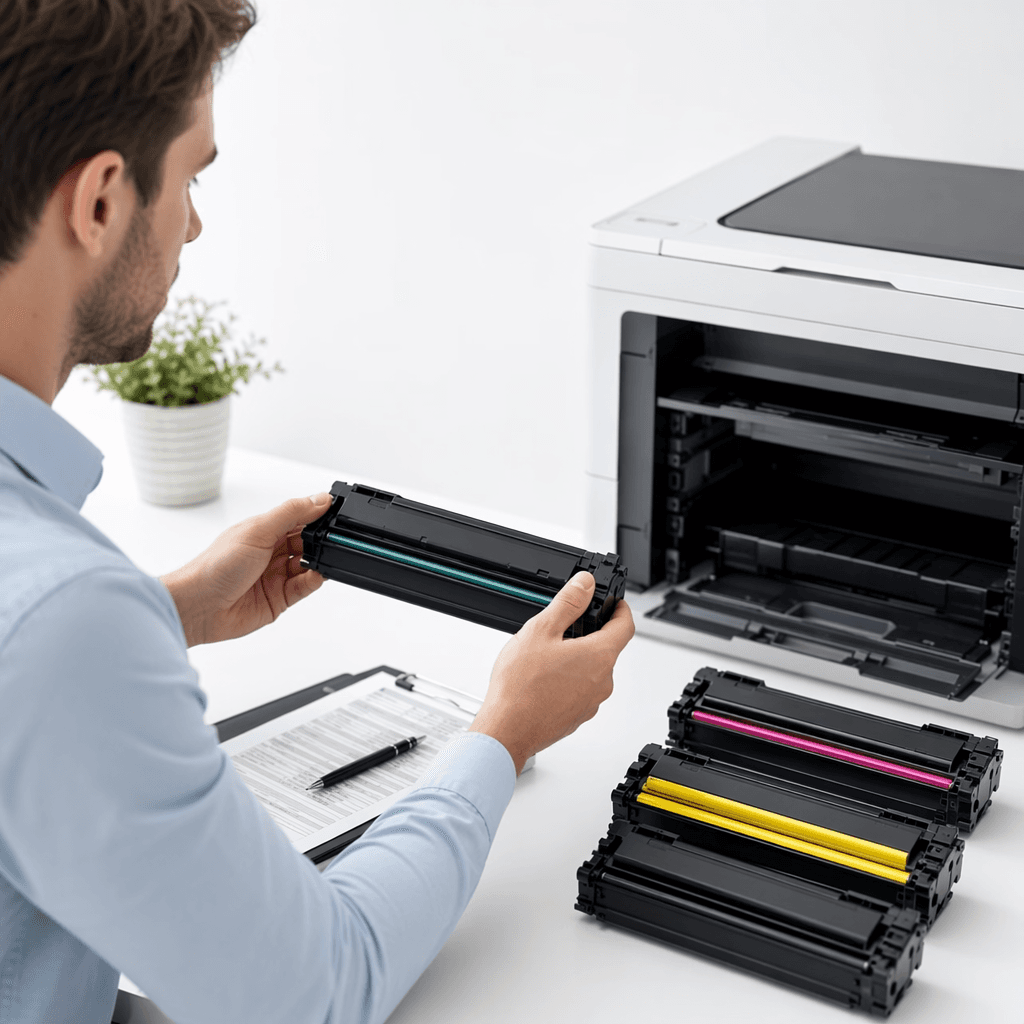
Find Your Perfect Toner: A Guide to Printer Cartridge Compatibility
Introduction
Finding the correct toner cartridge for your printer can sometimes feel like a daunting task, leading to frustration and wasted time. Using the wrong cartridge can result in poor print quality, damage to your printer, and unnecessary expenses. This guide will walk you through simple, effective steps to ensure you always select the perfectly compatible toner for your printing needs.
Main Discussion
1. Locate Your Printer's Model Number
The most crucial step is identifying your printer's exact model number. This is typically found on the front, top, or back of the printer, often on a sticker or label. It might look something like 'HP LaserJet Pro M404n' or 'Canon imageCLASS MF236n'. This specific number is your key to unlocking compatible toner options.
2. Examine Your Current Toner Cartridge
If you have an old cartridge, inspect it carefully. The cartridge model number (e.g., 'HP 26A', 'Canon 137') is usually printed clearly on the label or body of the cartridge itself. Note if it's a standard yield or high-yield (e.g., 'X' suffix) cartridge, as this affects the page count but not the compatibility.
3. Refer to Your Printer's User Manual
Your printer's user manual is an invaluable resource. It contains a dedicated section listing all compatible toner cartridges, often with their part numbers. If you've misplaced the physical manual, you can usually find a digital version on the manufacturer's official website by searching for your printer's model number.
4. Utilize Online Search and Retailer Tools
Once you have your printer's model number or the old cartridge's part number, use it on our e-commerce website's search bar. Reputable online retailers often have compatibility tools or filters that allow you to input your printer model and instantly see all matching toner cartridges, including original (OEM) and high-quality compatible options.
Why It Matters
For businesses and offices across Pakistan, selecting the correct toner cartridge is paramount for maintaining operational efficiency and cost-effectiveness. Incorrect purchases lead to downtime, return hassles, and potential printer damage, all of which impact productivity. Ensuring compatibility means consistent, professional-quality documents, fewer technical issues, and optimal performance from your printing investments. By following these simple steps, Pakistani businesses can avoid common pitfalls and ensure their printing needs are met seamlessly.
Contact
Contact us: +92 332 2805280