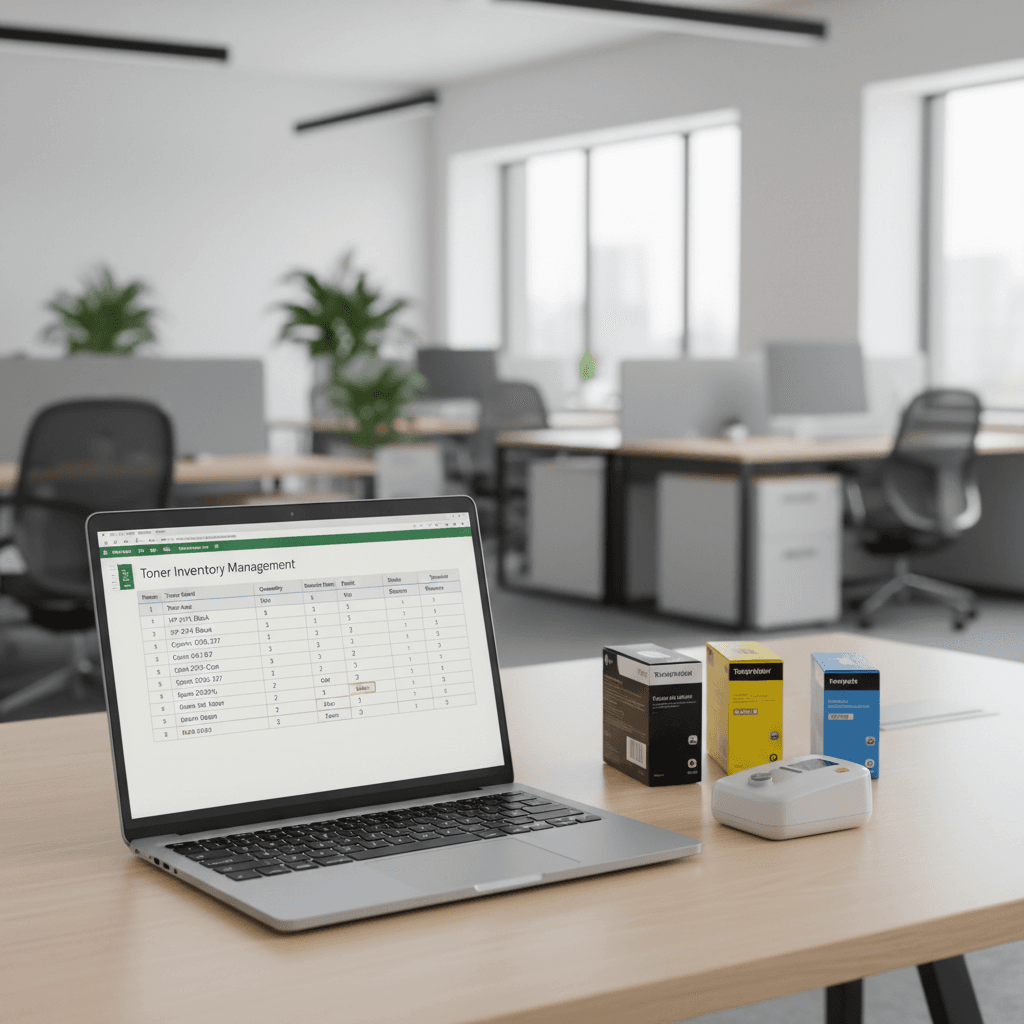
Excel Toner Inventory System: Boost Your Business Efficiency
Introduction
Managing printer toner can be a surprisingly complex task for businesses, leading to stockouts or overspending. An organized inventory system is crucial for smooth operations. This guide will walk you through creating a robust toner inventory system using Microsoft Excel, a readily available tool for most offices.
Main Discussion
-
Essential Columns for Your Spreadsheet: Begin by setting up your Excel sheet with key columns. Include 'Toner Model Number', 'Printer Model Compatibility', 'Current Stock Quantity', 'Minimum Stock Level (Reorder Point)', 'Unit Cost', 'Supplier Name', and 'Last Ordered Date'. This comprehensive data allows for quick checks and informed reordering decisions.
-
Tracking Usage and Reorder Points: Regularly update the 'Current Stock Quantity' as toners are used. Set a 'Minimum Stock Level' for each toner type. When the current stock reaches this level, it triggers a reorder alert. This proactive approach prevents running out of essential supplies, especially critical during peak printing periods for marketing materials or reports.
-
Calculating Costs and Budgeting: Utilize the 'Unit Cost' column to track your spending on toner. By summing up the cost of current stock and projected reorders, you can better manage your printing budget. This is particularly useful for businesses in Pakistan aiming to optimize operational expenses.
-
Supplier Management: The 'Supplier Name' column helps in maintaining a list of reliable vendors. Tracking 'Last Ordered Date' can also inform your supplier relationships and identify potential lead time issues, ensuring timely delivery of toner cartridges.
-
Leveraging Excel Features: Beyond basic data entry, use Excel's conditional formatting to highlight low stock levels. Formulas can automatically calculate total inventory value or project future spending based on historical usage patterns. Pivot tables can offer deeper insights into toner consumption across different printer models.
Why It Matters
For businesses and offices in Pakistan, an efficient toner inventory system directly impacts productivity and cost savings. Avoiding unexpected toner shortages ensures that critical documents, client proposals, and marketing materials can be printed without delay, maintaining business continuity. Furthermore, by tracking costs and optimizing reorder points, companies can significantly reduce unnecessary expenditure on printer supplies, contributing to overall financial health and profitability in the competitive Pakistani market.
Contact
Contact us: +92 332 2805280