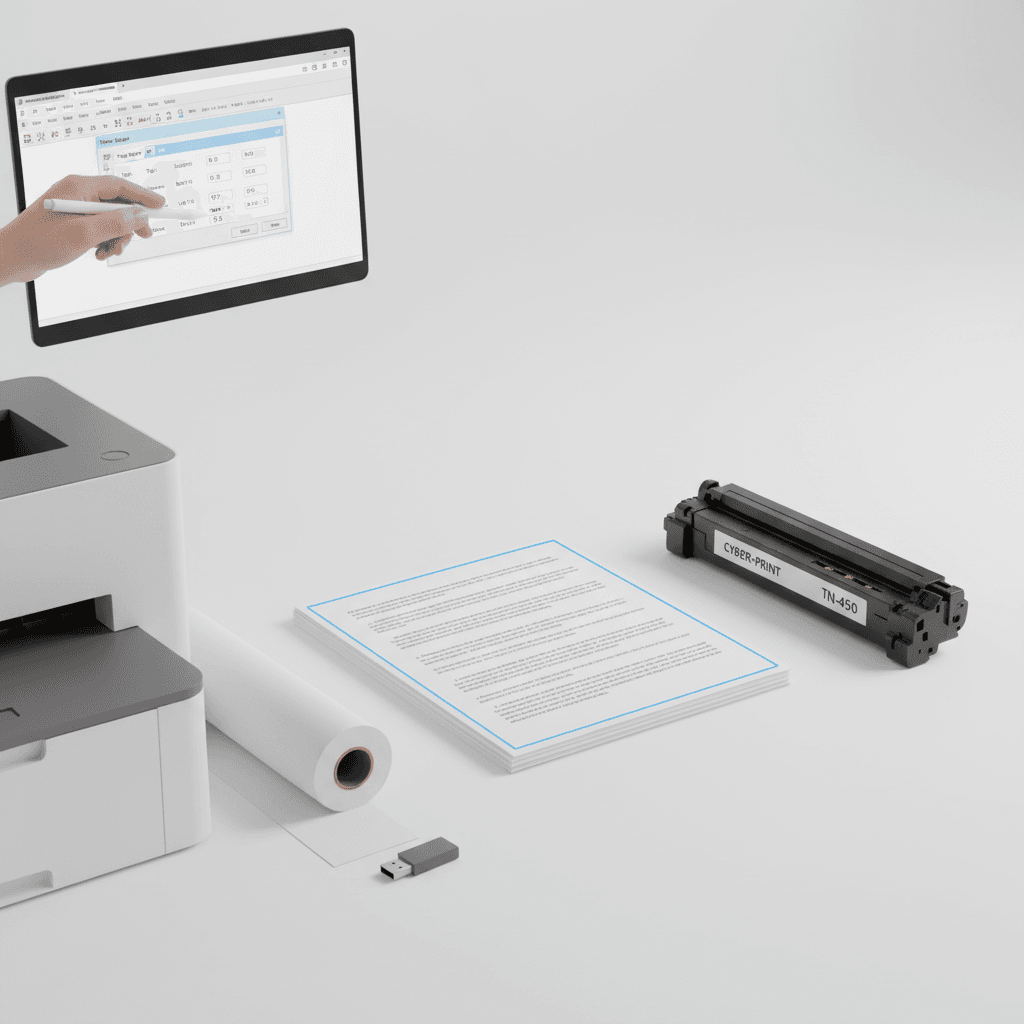
Adjust Print Margins for Perfect Documents | Pakistan Guide
Introduction
Achieving professional-looking documents is crucial for any business, and print margins play a vital role. Incorrect margins can lead to cut-off text, uneven spacing, and a generally unprofessional appearance. This guide will walk you through adjusting margins for optimal print results, ensuring your documents make a great impression.
Main Discussion
-
Understanding Standard Margins: Most documents benefit from standard margins of 1 inch (2.54 cm) on all sides. This provides ample white space, making text easier to read and preventing content from being obscured by binding or hole punches. For reports or presentations, consider slightly larger margins for a more formal feel.
-
Adjusting Margins in Word Processors: Software like Microsoft Word or Google Docs allows easy margin adjustment. Navigate to the 'Layout' or 'Page Setup' tab, select 'Margins,' and choose from presets or enter custom values. Ensure your chosen margins are compatible with your printer's capabilities to avoid 'paper size or margins' errors.
-
Printer Driver Settings: Sometimes, the printer driver itself has margin settings that can override software defaults. Access your printer's properties through your operating system's printer settings. Look for options related to page setup or layout. Ensure these are set to 'Actual Size' or 'Fit to Page' if you're unsure, or manually set them to match your document.
-
Consider the Print Medium: The type of paper and binding you intend to use will influence margin choices. For double-sided printing or documents that will be bound, increase the inside margin (gutter) to prevent text from disappearing into the spine. This is especially important for large reports or manuals.
-
Test Prints are Key: Before printing a large batch, always perform a test print of a few pages. This allows you to visually inspect the margins, check for any cut-offs, and confirm the overall layout. Adjust as needed based on the test results. This saves valuable toner and paper.
Why It Matters
In Pakistan's competitive business landscape, presentation is paramount. Properly adjusted margins ensure your proposals, reports, and marketing materials appear polished and professional, reflecting positively on your brand. Efficient margin settings also contribute to cost savings by preventing wasted toner and paper, a significant consideration for offices managing operational expenses. Ensuring your printed documents are error-free and visually appealing builds credibility and trust with clients and partners.
Contact
Contact us: +92 332 2805280