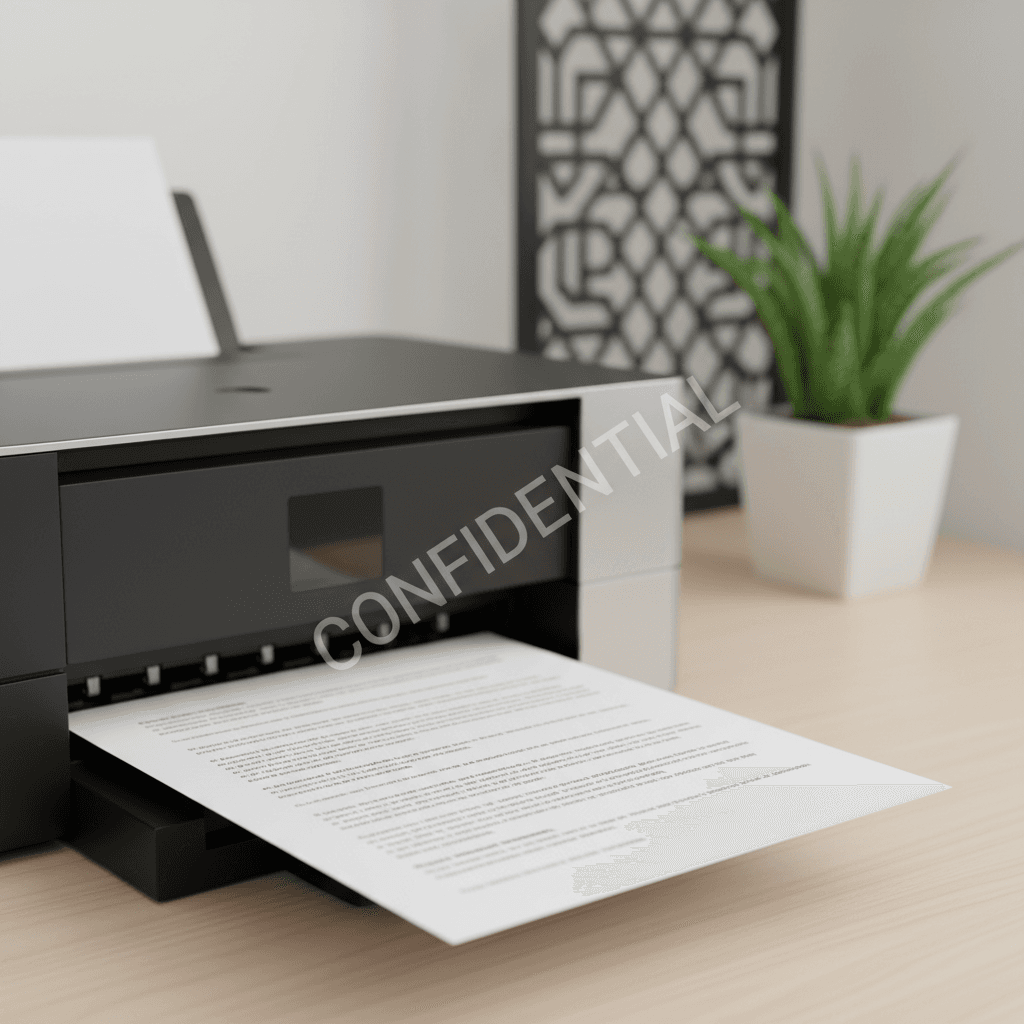
Add Watermarks to Printed Docs: Protect Your Business in Pakistan
Introduction
In today's digital age, protecting your sensitive documents is more crucial than ever. Whether it's contracts, invoices, or marketing materials, adding a watermark can safeguard your intellectual property and add a professional touch. This guide will walk you through the simple steps to watermark your printed documents, ensuring security and brand consistency.
Main Discussion
- Using Microsoft Word for Watermarks: Most users are familiar with Microsoft Word. To add a watermark, navigate to the 'Design' tab, then select 'Watermark'. You can choose from pre-set options like 'Confidential' or 'Do Not Copy', or create a custom text or image watermark. This is ideal for internal documents or drafts where you want to indicate status.
- Adobe Acrobat for PDF Watermarking: For PDF documents, Adobe Acrobat Pro offers robust watermarking features. Go to 'Edit PDF' > 'Watermark' > 'Add'. You can add text or image watermarks, control their appearance (opacity, position, scale), and apply them to specific page ranges. This is perfect for legal documents, reports, and official company publications.
- Printer Driver Settings: Some advanced printer drivers allow you to embed watermarks directly during the printing process. Check your printer's utility software or control panel for options like 'Watermark' or 'Stamp'. This method is efficient for frequently printed documents where you need a consistent watermark without modifying the original file, saving time and toner.
- Online Watermarking Tools: For quick, one-off watermarking without installing software, numerous online tools are available. These platforms allow you to upload your document, add a custom watermark, and download the watermarked version. While convenient, ensure you use reputable services for sensitive documents to maintain data privacy.
- Toner Considerations for Watermarks: When printing watermarked documents, especially with image-based watermarks or complex designs, consider your toner quality. High-quality toner, like that offered by our e-commerce store, ensures crisp, clear watermarks that are visible but not overpowering, maintaining document readability and professional appearance. Opting for genuine or compatible toners can prevent smudging and ensure consistent results.
Why It Matters
For businesses and offices in Pakistan, watermarking printed documents is a vital security and branding measure. It deters unauthorized duplication and distribution of sensitive information, protecting your competitive edge. For companies dealing with contracts, financial reports, or proprietary designs, a clear watermark serves as a visible deterrent and a professional identifier. It reinforces your brand identity on all outgoing materials, contributing to a polished and trustworthy image in the Pakistani market.
Contact
Contact us: +92 332 2805280